ニュース Sword Fantasy の新しい Roblox コードドロップ (2025 年 1 月)

Sword Fantasy の新しい Roblox コードドロップ (2025 年 1 月)

Jan 21,2025 著者: Lillian

ソード ファンタジー コード: 冒険を強化しましょう!

Sword Fantasy は、広大なオープンワールドとユニークなゲームプレイを提供する魅力的な Roblox RPG です。 エクスペリエンスをさらに高めるために、これらのコードを貴重な報酬と引き換えてください。このガイドは定期的に更新され、最新の機会が提供されます。 最終更新日は 2025 年 1 月 9 日です。

アクティブソードファンタジーコード
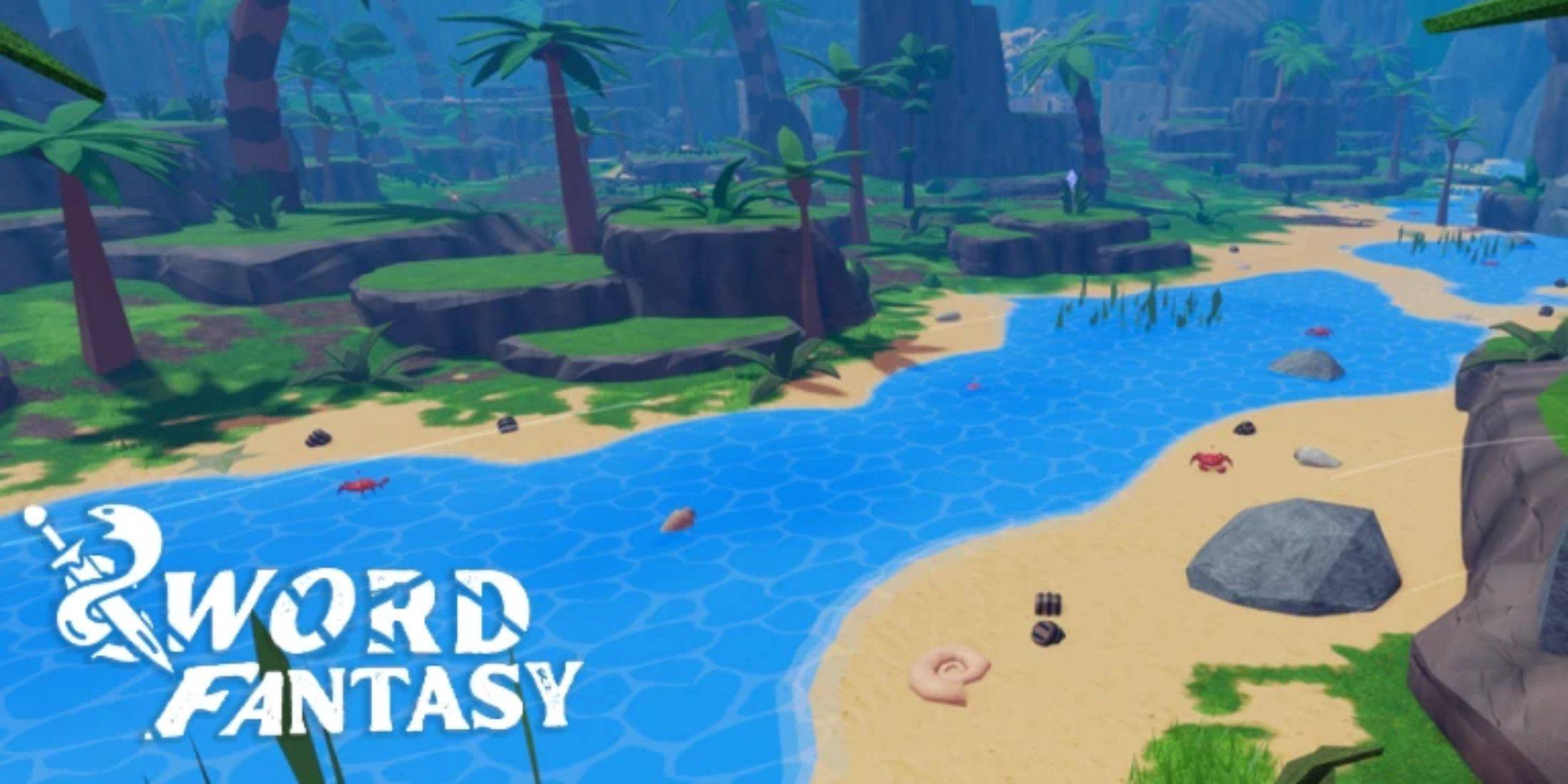
Sword Fantasy Codes

現在動作しているコードのリストは次のとおりです:

  • 12klikes: ゲーム内報酬のロックを解除します。
  • 10klikes: 1 時間 2 倍のドロップブーストを獲得します。
  • 15kfavorites: EXP ブーストを受け取ります。
  • 7400likes: 2 倍のドロップブーストをお楽しみください。
  • 250kvisits: 1 時間の 2 倍のマスタリーブーストを請求します。
  • 6400likes: 45 分間の EXP ブーストを獲得します。
  • 5200likes: 500 ジェムと 1 時間の 2 倍ドロップブーストを受け取ります。
  • 5kfavorites: 1 時間の 2 倍のマスタリーブーストを請求します。
  • 2200likes: 1 時間の EXP ブーストを獲得します。
  • 1500likes: 2 倍のマスタリーブーストを受け取ります。
  • 1kplayers: EXP ブーストを請求します。

期限切れのコード:

現在、期限切れのコードはリストされていません。 見逃さないように、有効なコードをすぐに引き換えてください!

コードを引き換えると、新規プレイヤーと経験豊富なプレイヤーの両方に役立つブーストと報酬が提供されます。ゲームプレイを強化するこのチャンスをお見逃しなく。

コードの引き換え方法
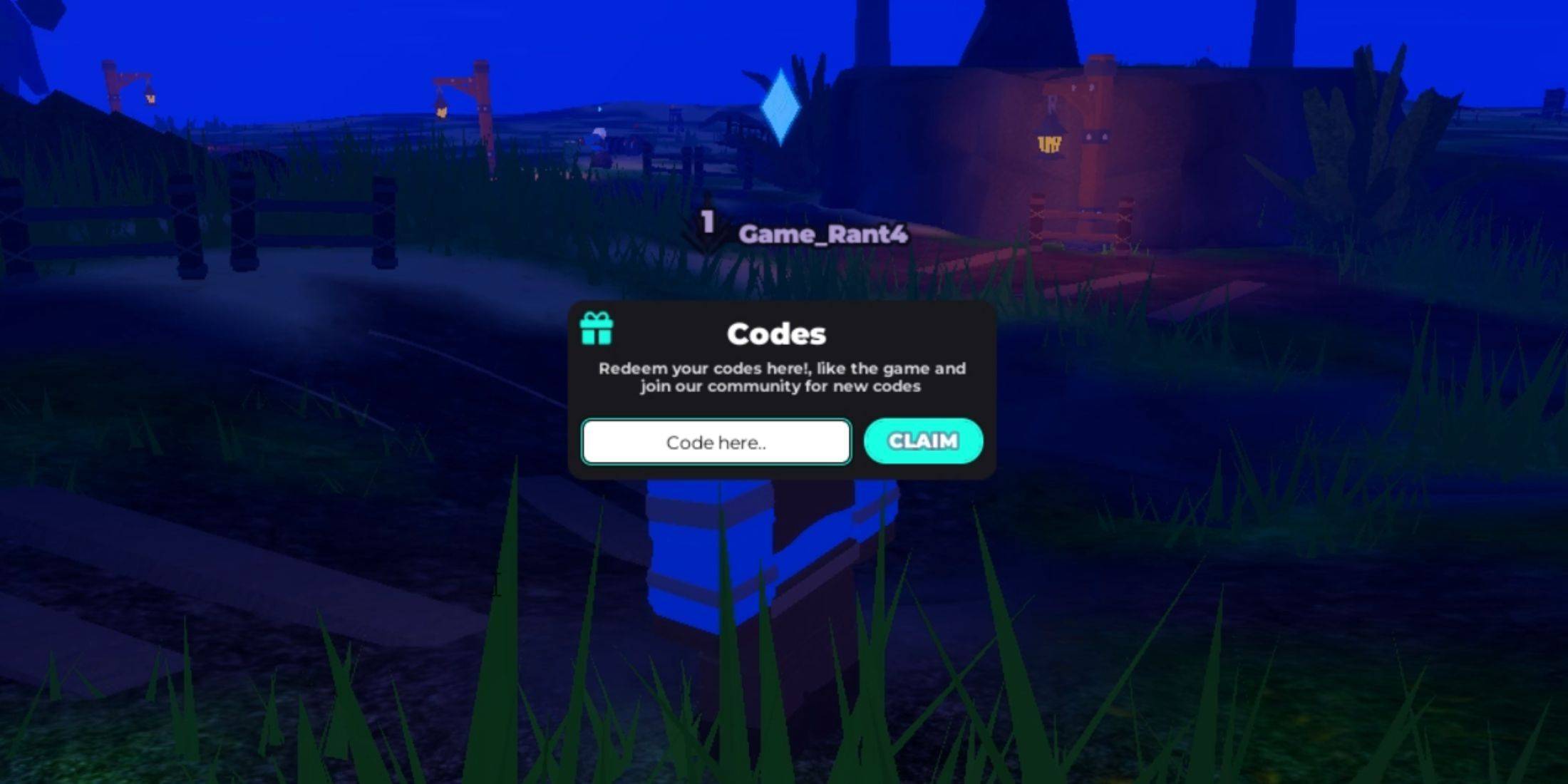
Redeeming Codes in Sword Fantasy

Sword Fantasy でのコードの引き換えは簡単です:

  1. ソードファンタジーを起動します。
  2. 画面の左上隅にある [コード] ボタンを見つけます (通常はボタンの列の中にあります)。
  3. 引き換えメニューの入力フィールドにコードを入力します。 エラーを避けるために、コピーして貼り付けることをお勧めします。
  4. 報酬を受け取るには「請求」ボタンをクリックしてください。 引き換えが成功したことを確認する通知が届きます。

さらにコードを探す
Finding More Codes

Sword Fantasy の公式チャンネルをフォローして、新しいコードの最新情報を入手してください:

  • Sword Fantasy Roblox 公式グループ。
  • ソード ファンタジーの公式 Discord サーバー。
  • ソードファンタジー X 公式アカウントです。
最新記事

13

2026-03

ダズリー・ストーリーズ:アンバーの秘密が、高価な宝石をテーマにした新作Androidパズルゲームに

https://img.hroop.com/uploads/29/68435748248b7.webp

GEODE、フランスのゲームスタジオが、本当に魅了する世界を創り上げました。彼らのゲームは、きらびやかな宝石に焦点を当てています。『Dazzly: Colore per Numero』と『Dazzly Match – Diamond Sort』に続き、Dazzlyシリーズの第3作目として『Dazzly Stories: Ambre’s Secret』が公開されました。 同社の特徴的なスタイルに忠実に、『Dazzly Stories: Ambre’s Secret』は貴重な石をテーマとしていますが

著者: Lillian読む:2

11

2026-03

As of now, Microsoft has officially shut down the Xbox and Windows Movies & TV Store for digital purchases. The shutdown occurred on April 1, 2024, as part of a broader shift in Microsoft’s digital entertainment strategy. Key Details: End of Service: The Xbox and Windows Movies & TV Store (formerly known as the Microsoft Movies & TV Store) no longer accepts new purchases. Existing Purchases: Users who already bought movies and TV shows through the store can still watch them via the Xbox or Microsoft Movies & TV app, as long as their account remains active and content isn’t removed due to licensing changes. No New Purchases: You can no longer buy or rent new digital movies or TV shows through the store. Migration to Other Platforms: Microsoft has redirected users to third-party platforms such as: Amazon Prime Video Apple TV (Apple TV app) Vudu YouTube HBO Max Netflix Disney+ These platforms now offer a more robust selection of digital content. What You Should Do: Check Your Library: Use the Microsoft Movies & TV app or the Xbox app to access any content you’ve already purchased. Download for Offline Viewing: If you plan to watch content without an internet connection, download it before it’s removed (though availability depends on licensing). Explore Alternatives: Consider subscribing to major streaming services or purchasing from platforms like Amazon or Apple TV to continue accessing new movies and shows. Why This Happened: Microsoft cited the shift toward subscription-based streaming services and the high cost of maintaining a standalone digital storefront as reasons for closing the service. The company is focusing on integrating with major platforms and enhancing its cloud and gaming ecosystem (e.g., Xbox Game Pass, Microsoft 365, and Azure). For the latest information, visit: Microsoft Support – Xbox Movies & TV Store Microsoft’s Official Announcements on Store Closure ⚠️ Note: This closure does not affect Xbox Game Pass, Xbox console functionality, or physical media (like Blu-ray discs). It only impacts digital purchases via the now-defunct store. If you’re a longtime user, this change marks a major shift—so take a moment to secure your digital library before it’s too late.

Microsoft’s sudden discontinuation of digital movie and TV show purchases across Xbox and Windows devices — effective July 18, 2025 — marks a major shift in how consumers access entertainment on Microsoft platforms. The move, which caught users and i

著者: Lillian読む:2

08

2026-03

フールアウト2 シーズン2 ティザーで新ラスベガスが登場

The new Fallout Season 2 teaser offers more than just a nostalgic nod to fans of Fallout: New Vegas—it confirms several key details about how the show is interpreting the iconic post-apocalyptic city, while also hinting at deeper storytelling and wor

著者: Lillian読む:6