ニュース Roblox エキサイティングな新しい SharkBite クラシック コードを公開

Roblox エキサイティングな新しい SharkBite クラシック コードを公開

Jan 18,2025 著者: Emery

SharkBite Classic: Roblox サメ狩りゲーム ガイドと引き換えコード コレクション

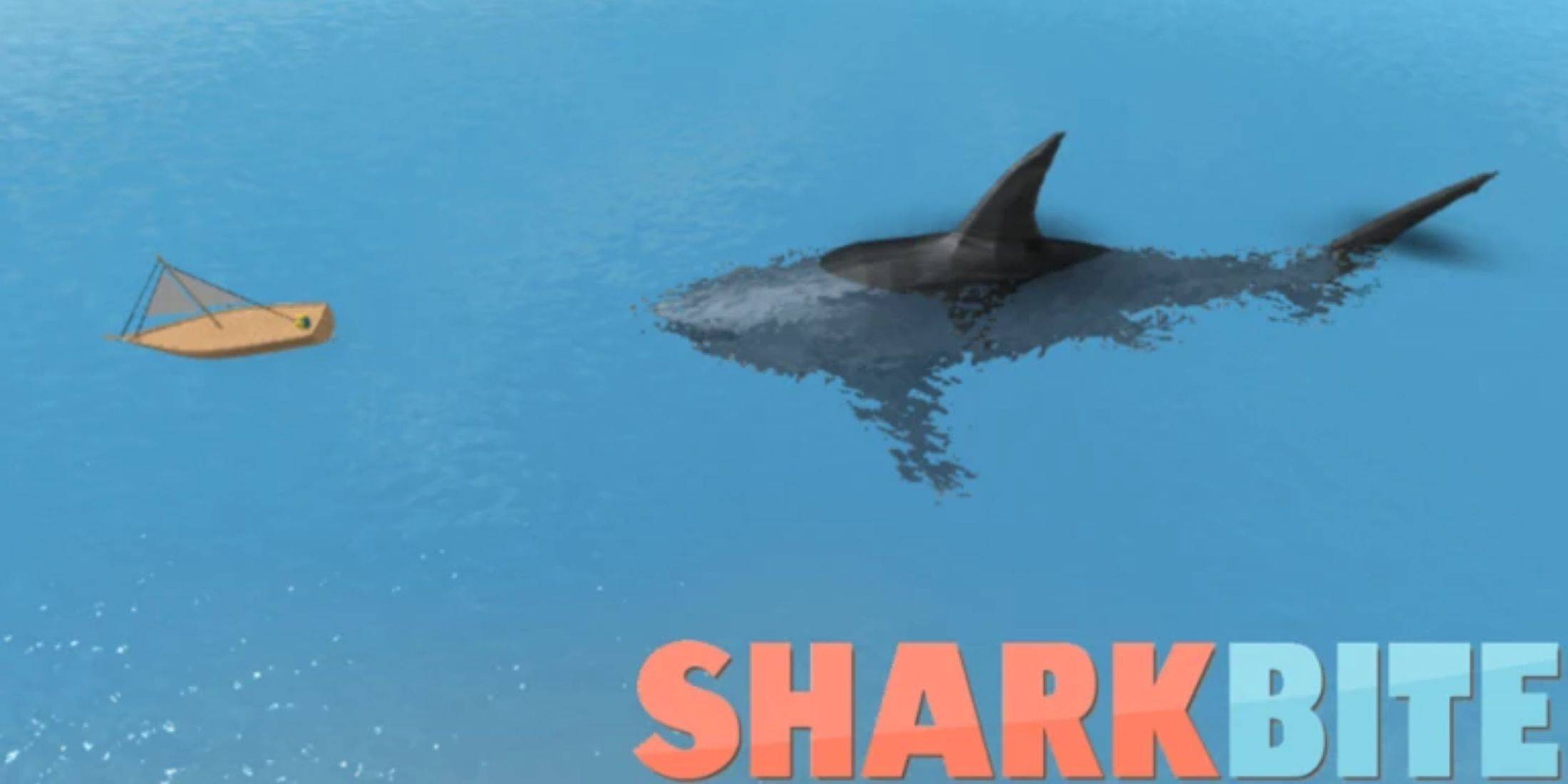
SharkBite Classic は、Roblox 向けの楽しいサメ狩りゲームです。船に乗り、ライフルを手に取り、他のプレイヤーと一緒に狩りをしましょう!ボートは転覆する可能性があるため、射撃はより困難になりますが、よりエキサイティングなものになります。もちろん、最も楽しい部分は、サメに変身して船を衝突させ、ハンターを怖がらせることです。

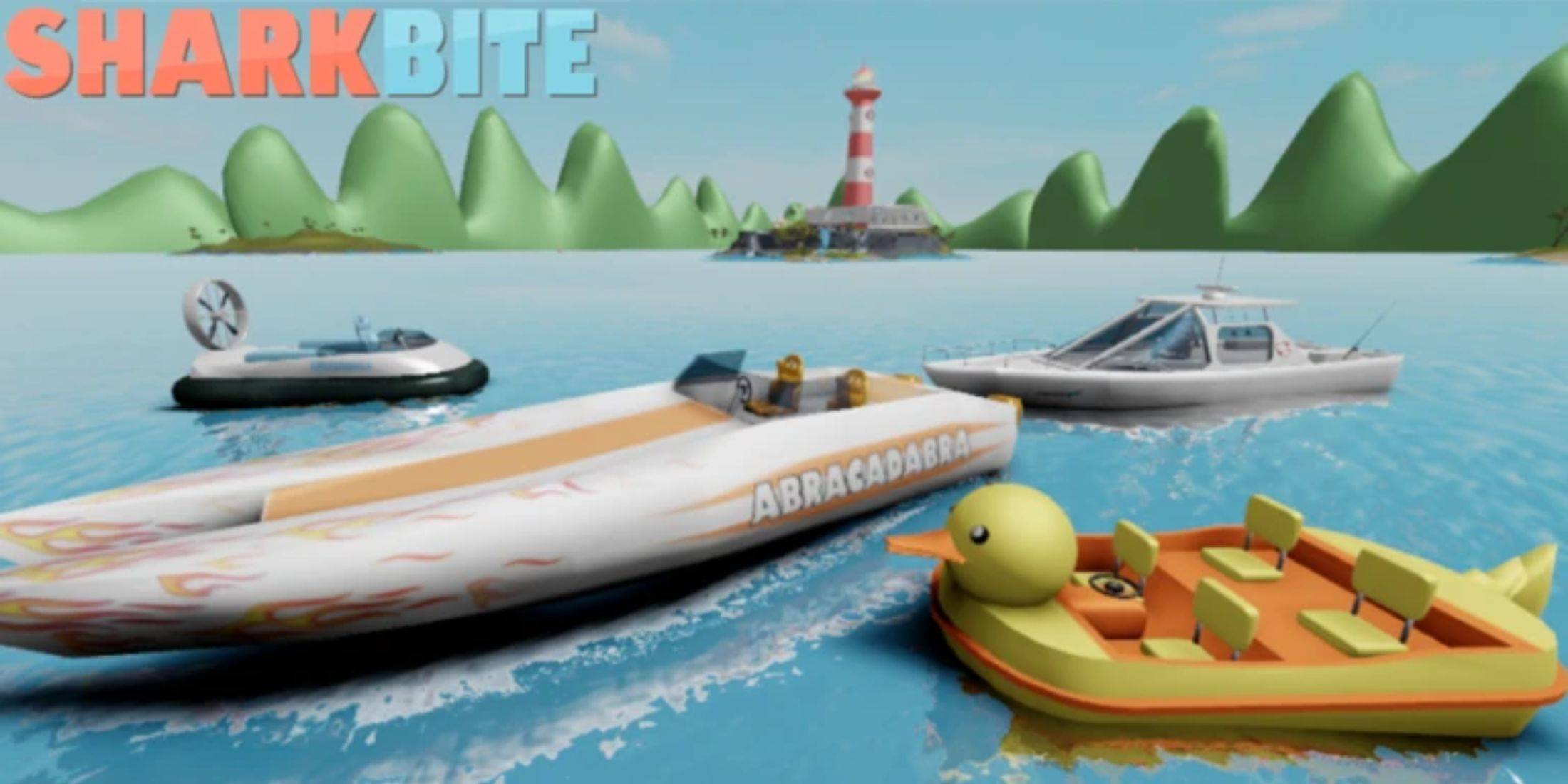
ゲーム内のボート、武器、サメはすべて狩猟​​で得たサメの歯で購入できますが、もっと早く入手する方法があります。私たちのガイドから SharkBite Classic 引き換えコードを引き換えるだけで、無料の特典を獲得できます。

(Artur Novichenko により 2025 年 1 月 9 日に更新: 常に最新の特典を確実に入手できるように、このガイドはすべての最新の引き換えコードで継続的に更新されます。)

すべての SharkBite Classic 引き換えコード
利用可能な引き換えコード

  • 1BILLION - 引き換えてサメの歯 100 本を手に入れましょう。
  • SHARKBITE2 - 引き換えてサメの歯 200 本を手に入れましょう。
  • FROGGYBOAT - 引き換えてサメの歯 50 本を手に入れましょう。
  • DUCKYRAPTOR - 引き換えてサメの歯 50 本を手に入れましょう。
  • RGBSHARK - 引き換えてサメの歯 50 本を手に入れましょう。
  • SIMONSSPACE - 引き換えてサメの歯 50 本を手に入れましょう。

有効期限が切れた引き換えコード

  • SHARKCAGE
  • SHARKWEEK2020
  • 20KDISCORD
  • SKELETONS
  • GHOSTS
  • STEALTH
  • LegendaryGun!
  • NewShark
  • EditShark!
  • NewGun
  • mosasaurus
  • SwimingLizard

SharkBite Classic で引き換えコードを引き換える方法
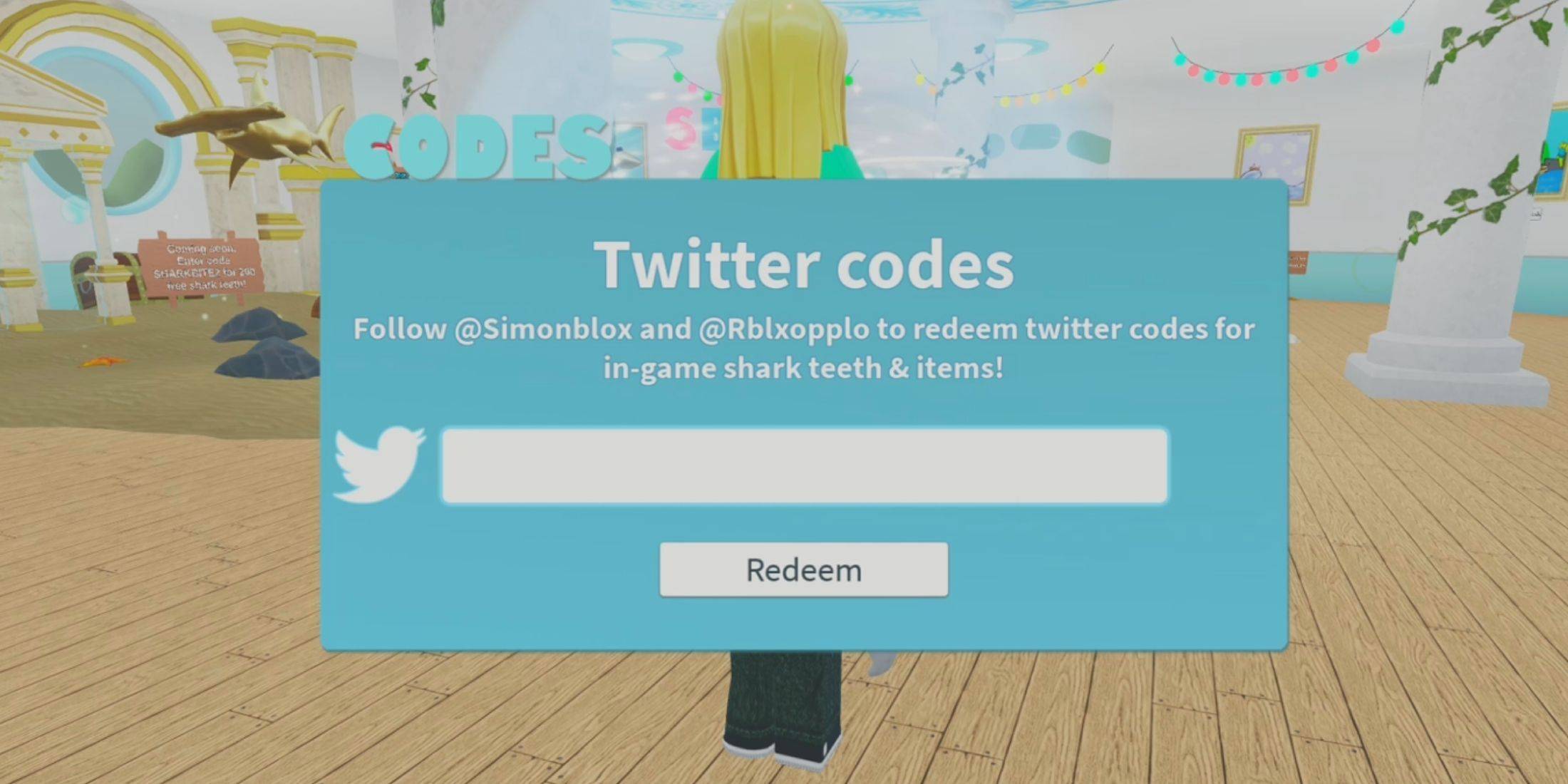
Roblox 引き換えコードを引き換える方法はゲームによって異なりますが、通常は非常に簡単です。プレイヤーの利便性を考慮して、引き換えオプションはストアや設定に追加されるか、別のボタンとして表示されることがよくあります。たとえば、SharkBite Classic では、「コードを引き換える」ボタンがホーム画面に配置されており、簡単に見つけることができます。ただし、まだサポートが必要な場合は、次のガイドに従ってください:

  1. Roblox を起動し、SharkBite Classic を実行します。
  2. 画面左側にある Twitter の鳥の形をしたボタン (引き換えコード ボタン) をクリックします。
  3. 利用可能な引き換えコードのリストから白いボックスに引き換えコードを貼り付け、「引き換え」をクリックします。

引き換えコードには有効期限があるため、特典を獲得するにはできるだけ早くコードを使用する必要があることに注意してください。

SharkBite Classic 引き換えコードをさらに入手する方法
すべての無料ボーナスを入手したい場合は、このページをブラウザのブックマークに追加してください。他の Roblox ゲームと同様に、最新の引き換えコードをすべて入手できるように、このページを定期的に更新します。新しい引き換えコードを入手するもう 1 つの方法は、SharkBite Classic 開発者の公式 Web サイトにアクセスすることです:

  • SharkBite クラシック Discord チャンネル
  • SharkBite クラシック X ページ
最新記事

11

2026-03

As of now, Microsoft has officially shut down the Xbox and Windows Movies & TV Store for digital purchases. The shutdown occurred on April 1, 2024, as part of a broader shift in Microsoft’s digital entertainment strategy. Key Details: End of Service: The Xbox and Windows Movies & TV Store (formerly known as the Microsoft Movies & TV Store) no longer accepts new purchases. Existing Purchases: Users who already bought movies and TV shows through the store can still watch them via the Xbox or Microsoft Movies & TV app, as long as their account remains active and content isn’t removed due to licensing changes. No New Purchases: You can no longer buy or rent new digital movies or TV shows through the store. Migration to Other Platforms: Microsoft has redirected users to third-party platforms such as: Amazon Prime Video Apple TV (Apple TV app) Vudu YouTube HBO Max Netflix Disney+ These platforms now offer a more robust selection of digital content. What You Should Do: Check Your Library: Use the Microsoft Movies & TV app or the Xbox app to access any content you’ve already purchased. Download for Offline Viewing: If you plan to watch content without an internet connection, download it before it’s removed (though availability depends on licensing). Explore Alternatives: Consider subscribing to major streaming services or purchasing from platforms like Amazon or Apple TV to continue accessing new movies and shows. Why This Happened: Microsoft cited the shift toward subscription-based streaming services and the high cost of maintaining a standalone digital storefront as reasons for closing the service. The company is focusing on integrating with major platforms and enhancing its cloud and gaming ecosystem (e.g., Xbox Game Pass, Microsoft 365, and Azure). For the latest information, visit: Microsoft Support – Xbox Movies & TV Store Microsoft’s Official Announcements on Store Closure ⚠️ Note: This closure does not affect Xbox Game Pass, Xbox console functionality, or physical media (like Blu-ray discs). It only impacts digital purchases via the now-defunct store. If you’re a longtime user, this change marks a major shift—so take a moment to secure your digital library before it’s too late.

Microsoft’s sudden discontinuation of digital movie and TV show purchases across Xbox and Windows devices — effective July 18, 2025 — marks a major shift in how consumers access entertainment on Microsoft platforms. The move, which caught users and i

著者: Emery読む:1

08

2026-03

フールアウト2 シーズン2 ティザーで新ラスベガスが登場

The new Fallout Season 2 teaser offers more than just a nostalgic nod to fans of Fallout: New Vegas—it confirms several key details about how the show is interpreting the iconic post-apocalyptic city, while also hinting at deeper storytelling and wor

著者: Emery読む:5

06

2026-03

看起来你可能刚输入了一段内容,但还没完成。你能否补充一下你想问的问题或表达的内容?我会尽力帮助你! 😊 例如: 你想了解某个话题? 需要写一篇文章或邮件? 有编程、数学、语言方面的问题? 告诉我你的需求,我会好好配合! 🚀

https://img.hroop.com/uploads/06/685674edc494c.webp

Drop Zone Galaxy: A Chaotic, Physics-Powered Adventure Lands on Android From the quirky mind of independent studio Rabble Games, Drop Zone Galaxy has officially launched on the Google Play Store in select regions—the U.S., Canada, the U.K., Australia

著者: Emery読む:3