애플리케이션 설명
Grid Drawing for Artists – Customize and overlay precise grids on any image effortlessly.
GridArt: The Essential Tool for Mastering Artistic Accuracy and Proportion!
Welcome to GridArt!
Whether you're a budding artist or an experienced professional, GridArt empowers you to elevate your drawing technique with precision. Our intuitive app simplifies the grid drawing method, allowing you to overlay adjustable grids on images for seamless replication onto canvas or paper.
What Is the Grid Drawing Method?
The grid method is a centuries-old technique that enhances drawing accuracy by dividing reference images and surfaces into uniform squares. By focusing on individual sections, artists ensure correct proportions and intricate detail placement.
Why Choose GridArt?
Trusted by artists for generations, the grid method now meets modern innovation with GridArt. Customize grids effortlessly and enjoy tailored features designed for every artistic need.
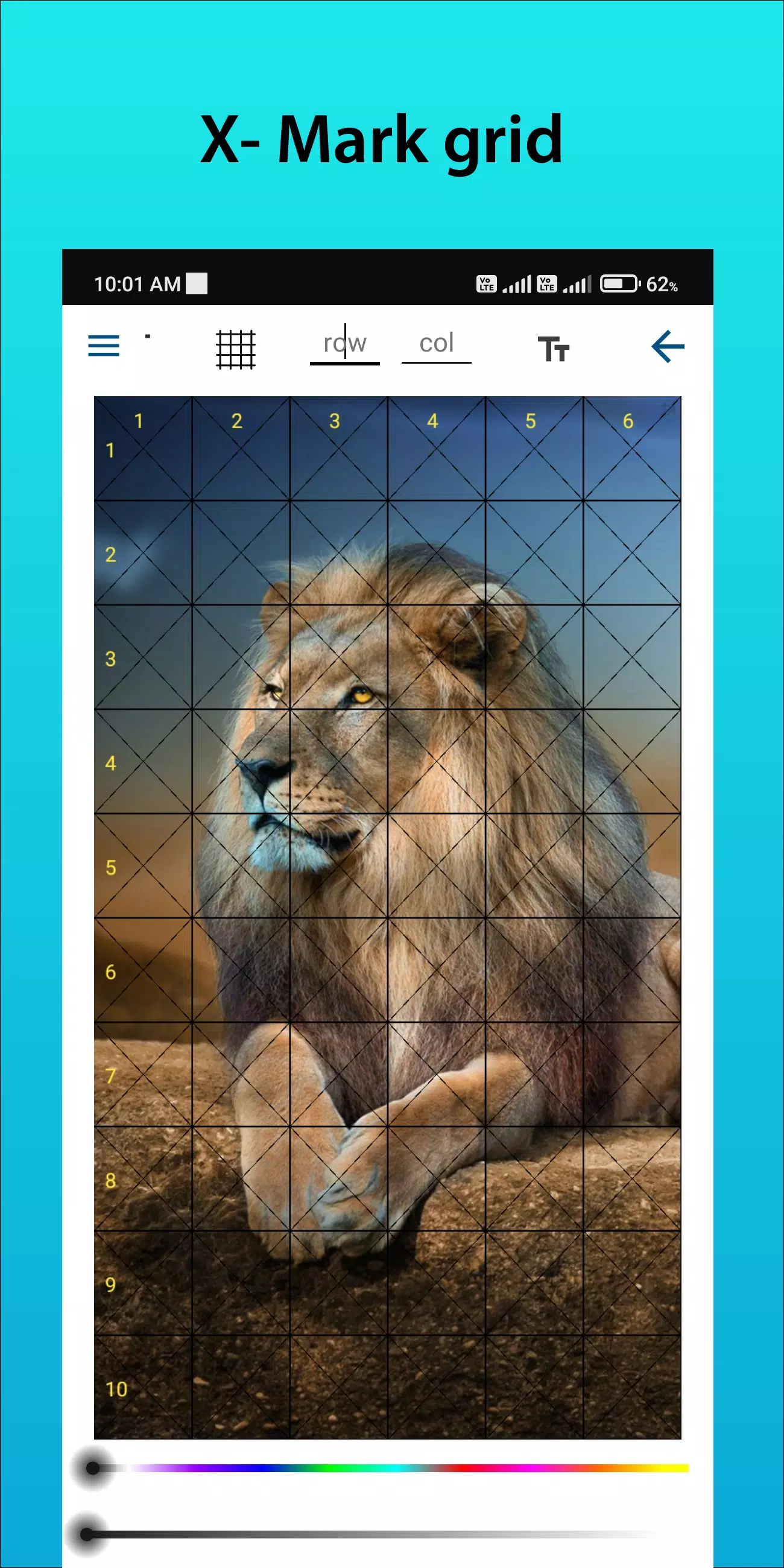
Customizable Grids: Adjust rows, columns, thickness, colors, and even add diagonal guides.
Intuitive Interface: Easily upload images, tweak grids, and save projects.
High-Resolution Export: Print crisp reference images directly from the app.
How to Use GridArt
Master grid drawing in simple steps:
Select Your Reference Image: Choose the photo you wish to recreate.
Overlay a Grid: Apply evenly spaced vertical and horizontal lines (e.g., 1-inch or 1-cm squares).
Prepare Your Drawing Surface: Replicate the same grid dimensions on your canvas or paper.
Transfer Details Square by Square: Focus on each section individually for flawless proportions.
Erase Grid Lines (Optional): Remove guidelines gently after completing your sketch.
Key Features of Grid Drawing
1. Overlay grids on any image, save templates, and print references.
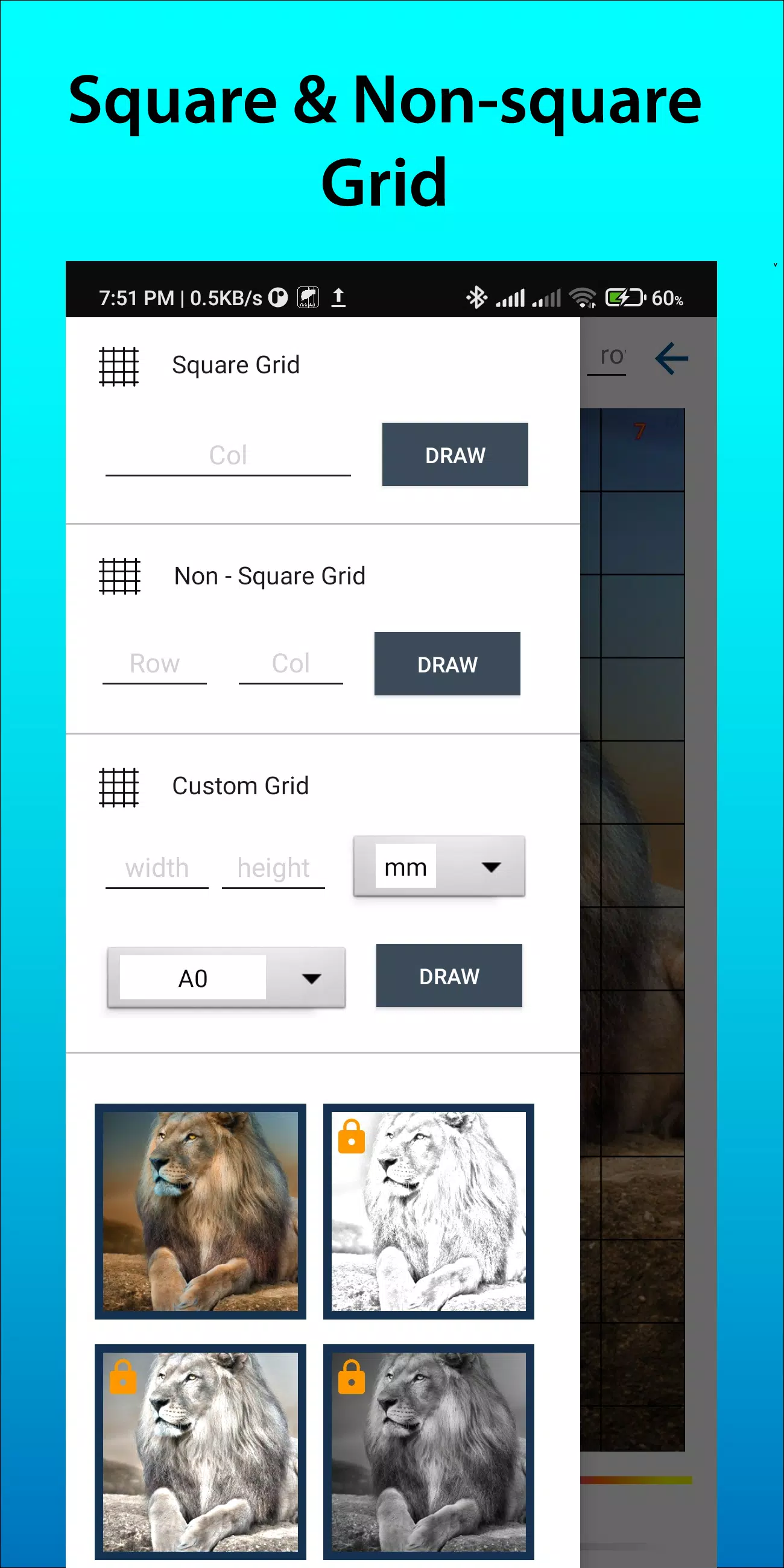
2. Square, rectangle, or custom grids with adjustable rows and columns.
3. Crop photos to standard ratios (A4, 16:9, 4:3) or custom dimensions.
4. Toggle row/column labels and customize text size.
5. Apply various grid label styles.
6. Adjust line styles (solid/dashed) and thickness.
7. Modify grid line colors, opacity, and label hues.
8. Use sketching filters for smoother outlines.
9. Set grid units (mm, cm, inches).
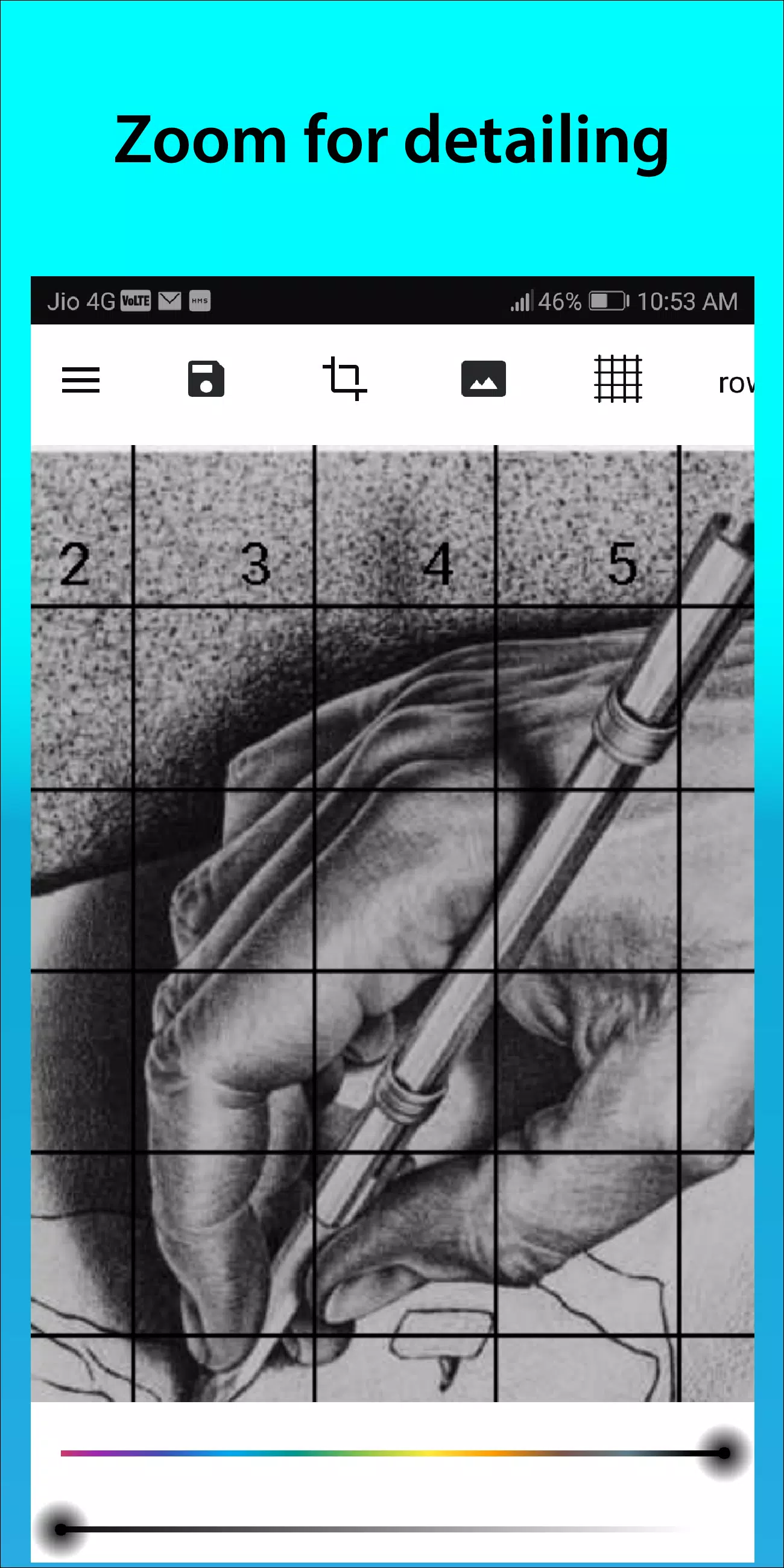
10. Zoom in to capture intricate details.
Follow us on Instagram @gridArt_sketching_app and share your work with #gridArt for a chance to be featured!
What's New in Version 1.8.3
Released on Sep 14, 2024
# Added screen lock functionality
예술 및 디자인


 다운로드
다운로드 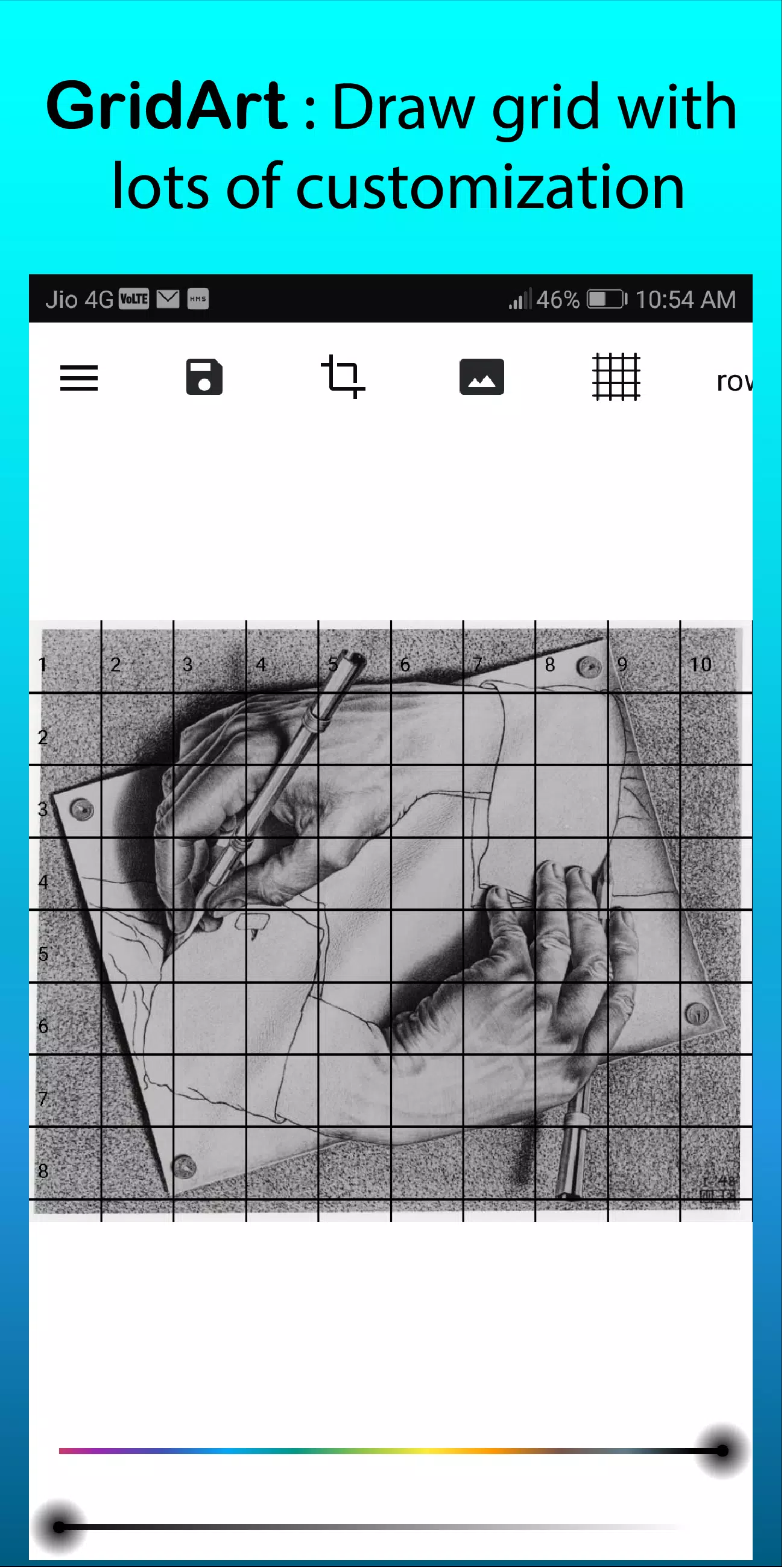
 GridArt 같은 앱