Application Description
Trusted by millions to record videos safely while driving—for evidence or capturing memorable moments.
Since 2009, DailyRoads Voyager has served as your reliable car blackbox, dash cam, and auto DVR, continuously capturing videos and photos on every journey. The app records everything automatically but saves only the important events for future reference or evidence. You can choose what to keep with a simple tap on the screen, even while driving.
This video evidence can be invaluable in cases of accidents, insurance fraud, police disputes, crash-for-cash scams, or disagreements with other drivers.
Key features:
- Continuous video recording with customizable length and quality; optional audio recording
- User-defined storage limits on your SD card with loop recording—your card never runs out of space
- One-touch video protection lets you save clips of interesting road events throughout your trip
- Auto-protect videos upon sudden impact (e.g., an accident) with configurable G-force sensitivity
- Capture photos automatically at set intervals and resolutions—perfect for time-lapse photography
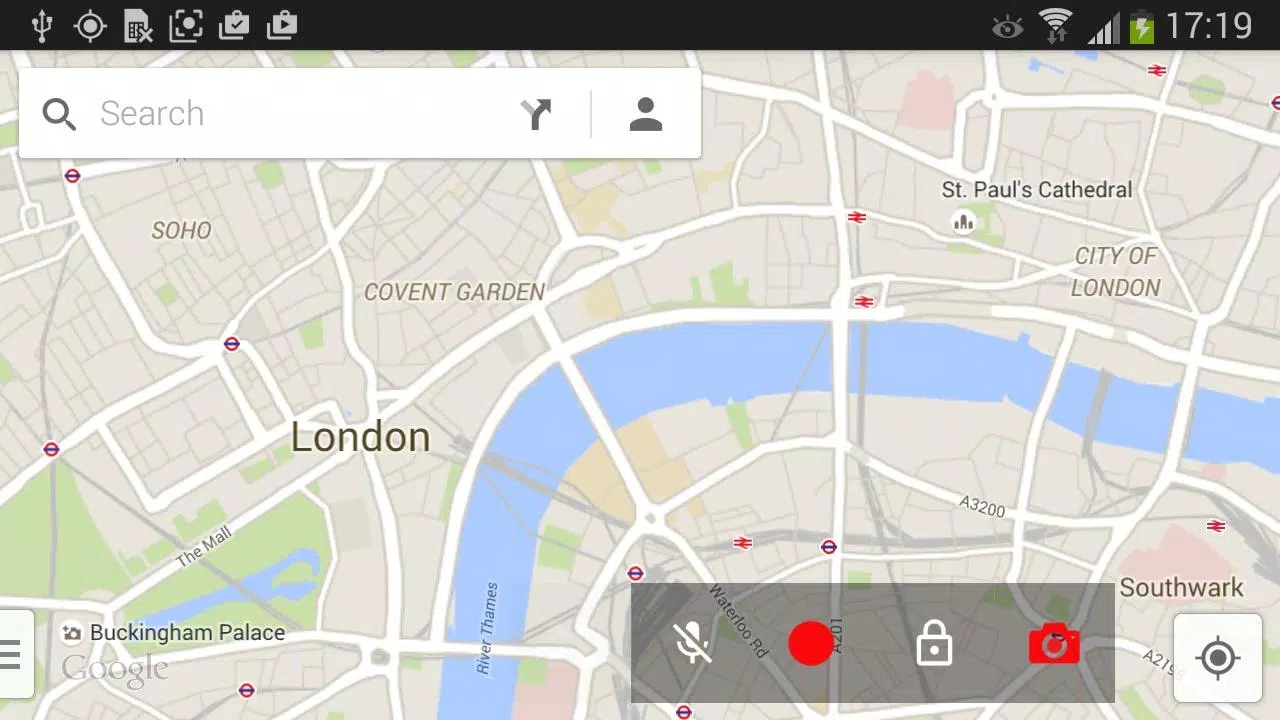
- Background video and photo capture, with optional overlay buttons for use with other apps
- Auto start and stop based on car dock detection and related settings
- Videos and photos are timestamped and geotagged
- Automatically retrieves the street address for saved videos and photos
- View the location of your videos and photos on a map
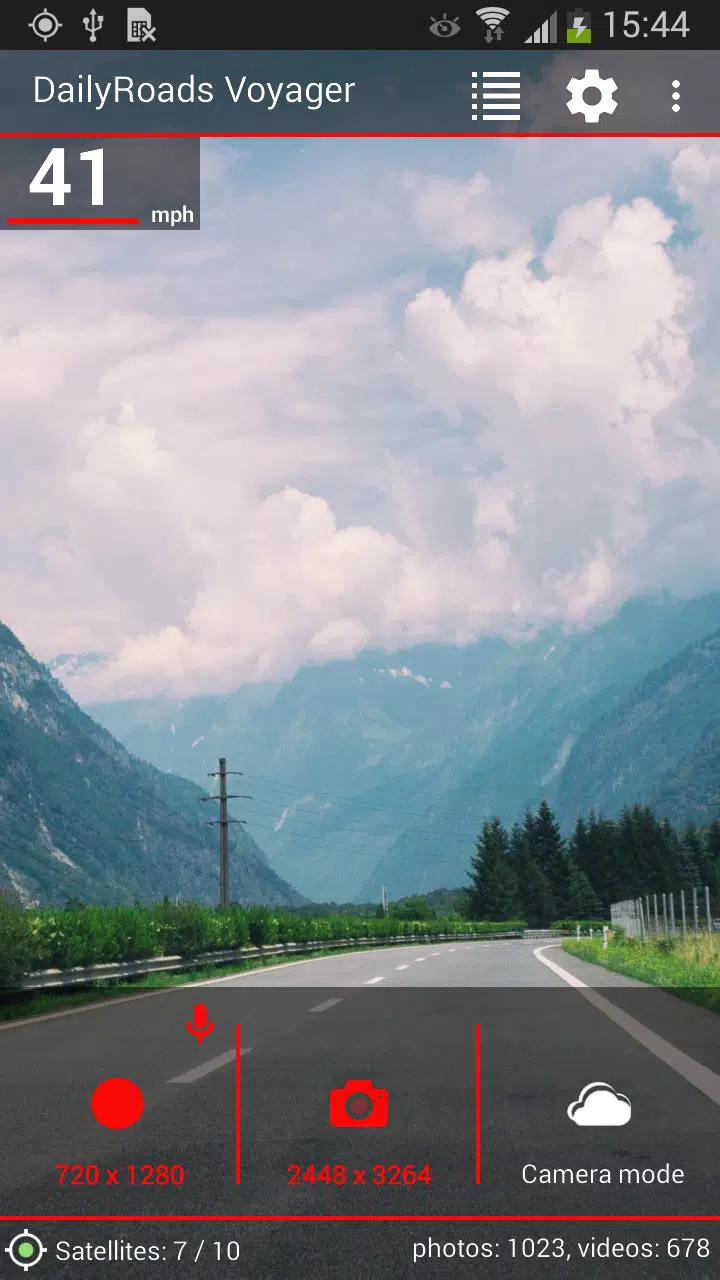
- Display speed, elevation, timestamp, and GPS coordinates on your recordings
- Option to switch speed units (km/h, mph) and date formats
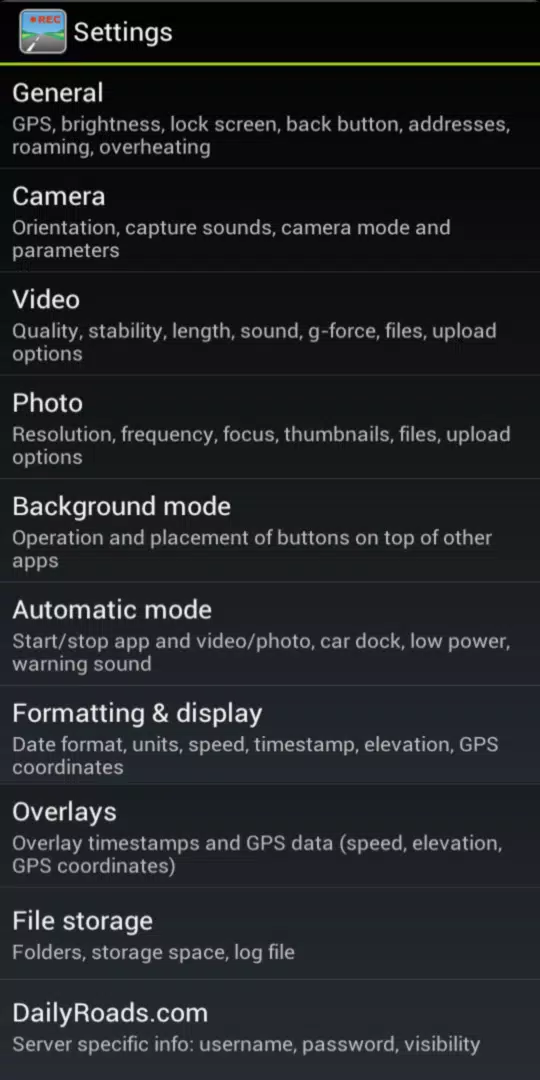
- Overheating protection
- Disable GPS to reduce battery consumption
- Adjust screen brightness for less distraction when driving at night
- Built-in file manager and video/photo browser
- Add titles, descriptions, or bookmarks to files
- Upload files directly to DailyRoads.com
- App2SD support
This is a free app supported by ads, which are disabled after any in-app purchase.
Pro version benefits:
- No advertisements
- Select your preferred camera after installation
- Upload to Dropbox and custom servers
- Option to launch the app automatically after device boot
- Use Bluetooth for auto-start and auto-stop triggers
- 1000 video overlay credits on the server
Enjoy the ride, and drive safely!
Compatible video settings for various phone models: https://dailyroads.app/voyager/stats
User reviews: https://dailyroads.app/voyager/reviews
Interactive demo of upcoming features: http://future.dailyroads.com
What's New in the Latest Version 8.1.1
Last updated on Jan 13, 2024
- Fixed background video recording on Android 14
- Improved background GPS performance on Android 13 and 14
- Added an audio track icon in the Files section
- Fixed the Start App function on Android 13 and 14
- Design enhancements for Android 13 and 14
Auto & Vehicles


 Download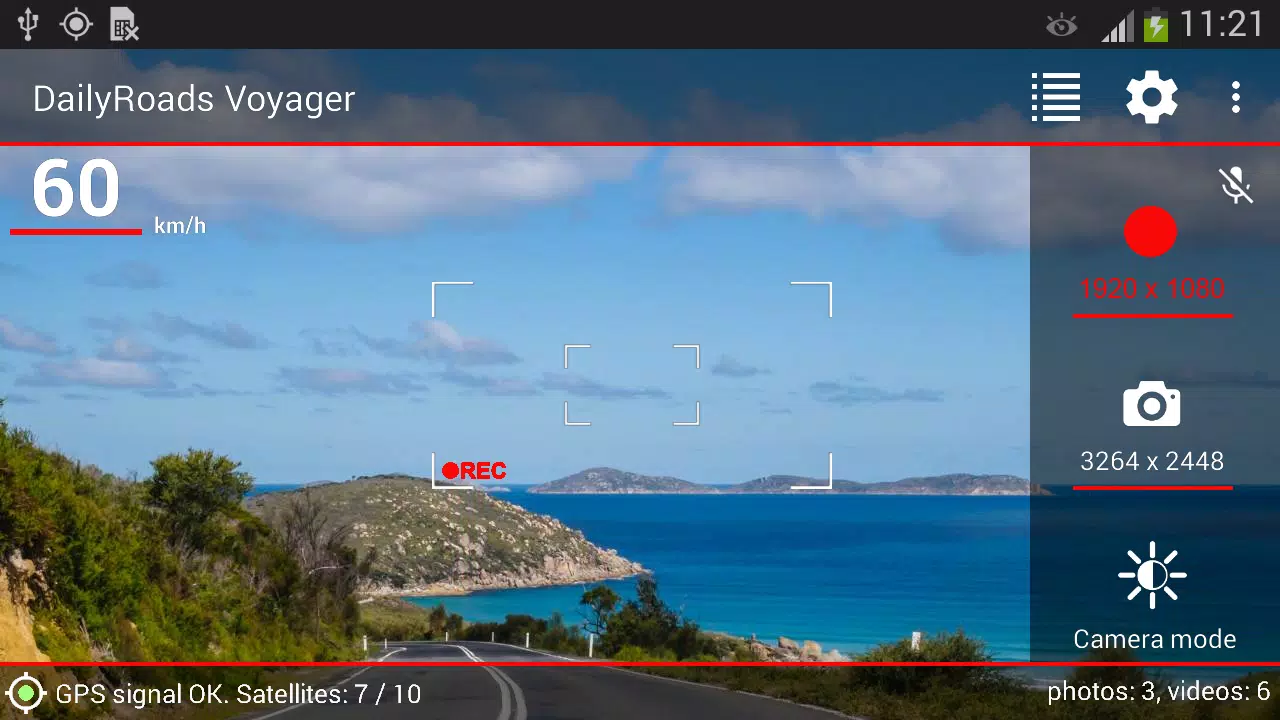
 Apps like DailyRoads Voyager