Application Description
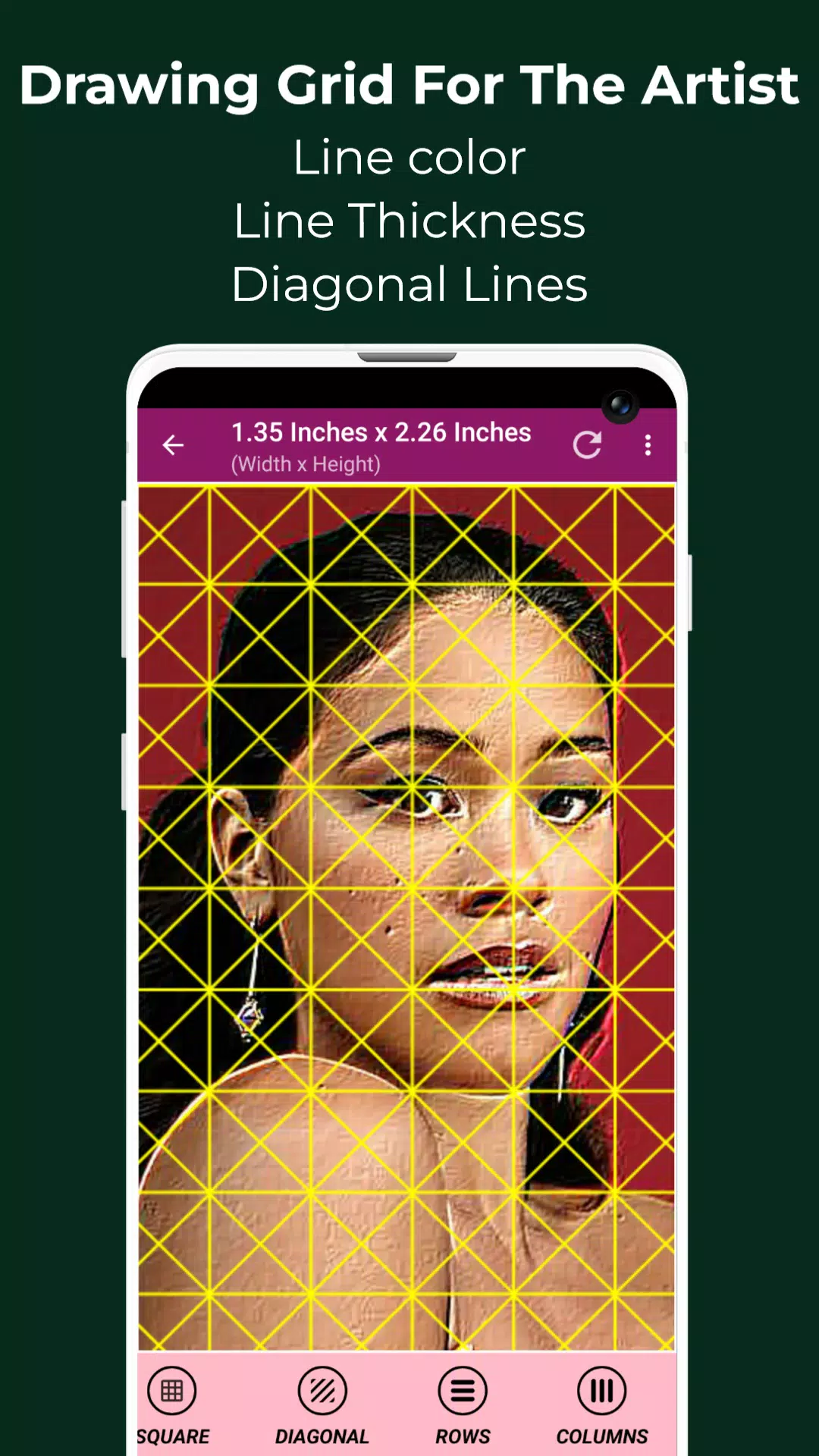
Master Grid Drawing with Our Grid Maker Tool - Transform any image into a customizable drawing grid.
Grid Drawing is an essential artistic technique that involves overlaying a reference image with a grid, then recreating that grid on your canvas or paper. Artists systematically transfer the image square by square, ensuring perfect proportions and alignment.
This proven method significantly enhances artistic skills by training the eye to observe details while maintaining perfect scale relationships. It's invaluable for artists at every level to achieve precise reproductions.
The Grid Drawing technique offers numerous advantages: perfect proportional accuracy, flexible resizing capabilities, simplified complex compositions, sharpened observation skills, refined hand-eye coordination, and increased artistic confidence.
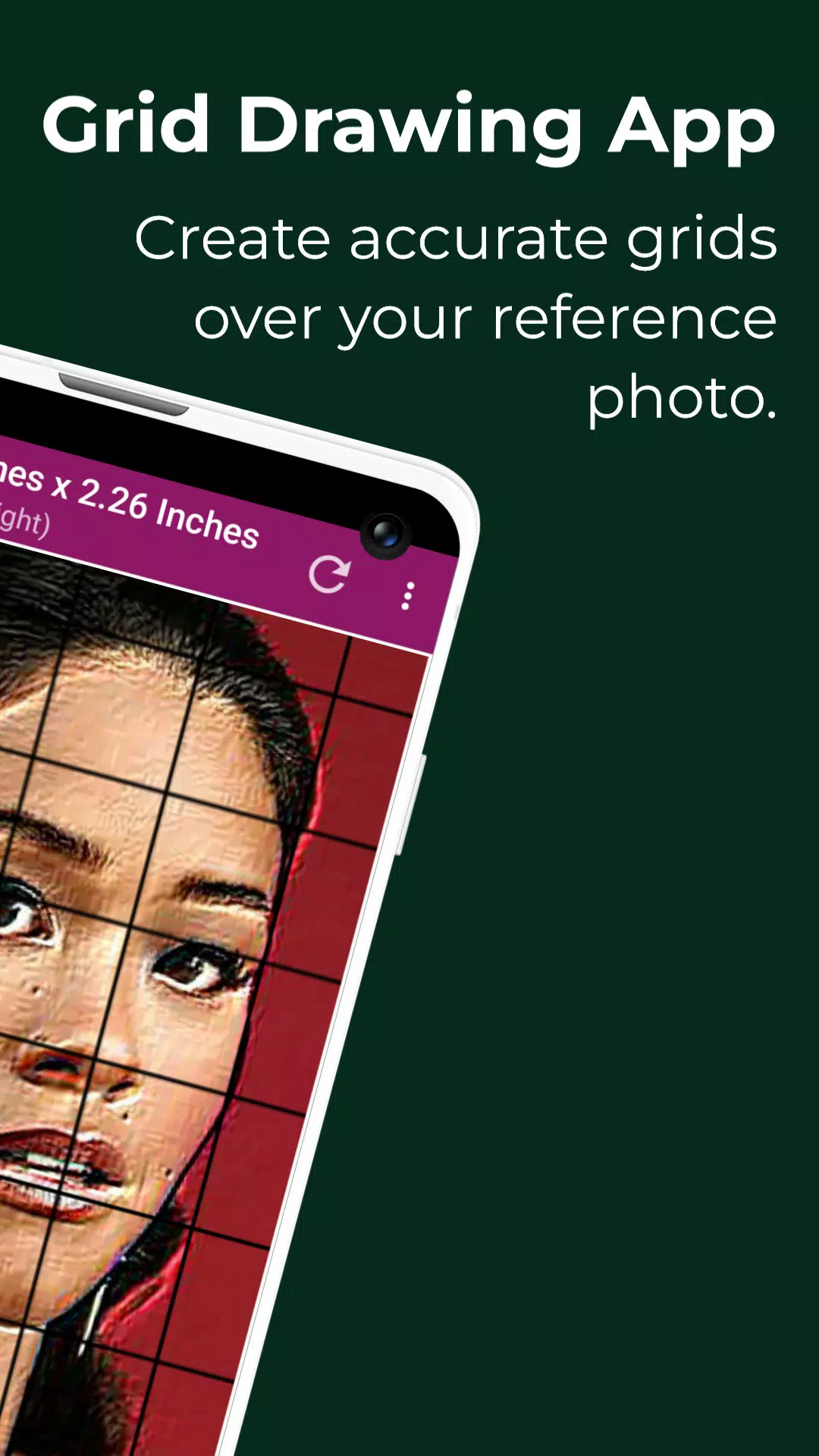
Our Grid Maker app intelligently divides reference photos into customizable grid sections (rows and columns). Artists can then focus on accurately recreating each segment at their preferred scale.
The app's intelligent tools maintain precise proportions and preserve crucial image details throughout your creative process.
Featuring comprehensive customization options, our Grid Drawing app ensures the most accurate photo-to-artwork transfer with professional-grade precision.
Designed for all skill levels, Drawing Grid For Artists accelerates observational and technical drawing development.
Key Features of Our Precision Grid Maker:
1. Capture new images directly with your camera (supports JPEG, PNG, WEBP)
2. Import from gallery (JPEG, PNG, WEBP formats)
3. Import through file managers (JPEG, PNG, WEBP compatible)
4. Create square grid overlays
5. Generate rectangular grids
6. Toggle grid display on/off
7. Add diagonal grid lines
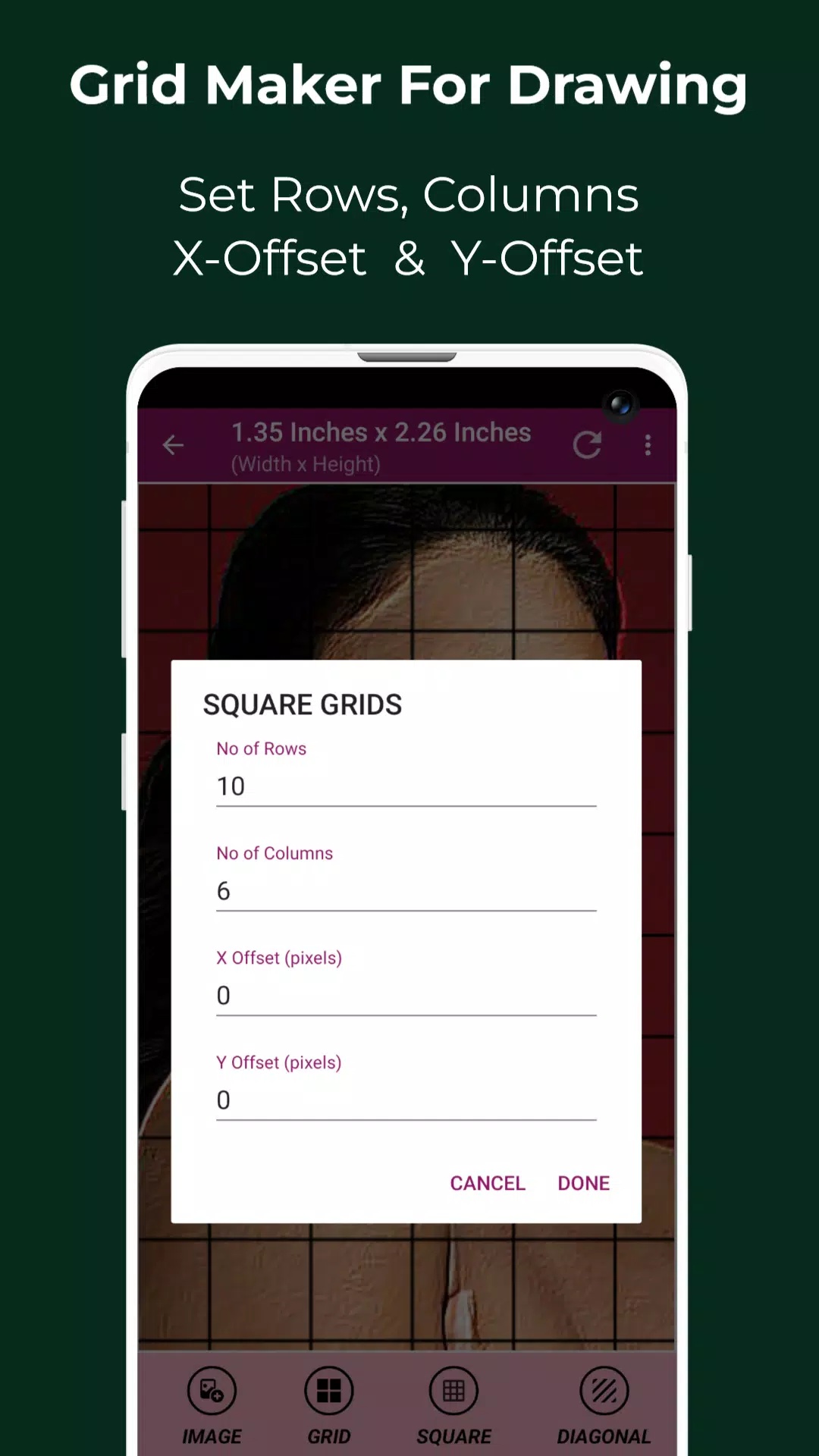
8. Customize row count and vertical spacing
9. Adjust column count and horizontal spacing
10. Select custom grid colors
11. Enable/disable grid labels
12. Configure label size and positioning (top, bottom, left, right)
13. Adjust grid line thickness
14. Precise image measurements in multiple units (px, in, mm, etc.)
15. Detailed cell dimension analysis
16. Full-screen reference mode
17. Real-time drawing comparison tool
18. Screen lock functionality
19. Color picker with HEX, RGB & CMYK values
20. Powerful zoom capability (up to 50x)
21. Toggle zoom functions
22. Advanced image effects including B&W, HDR, and sketch filters
23. Flexible cropping tools with presets and custom ratios
24. Full 360° image rotation
25. Vertical/horizontal flip options
26. Adjust brightness, contrast, saturation and hue
27. Save, share and print grid-enhanced images
28. Organized gallery for saved creations
Grid Drawing is the ultimate solution for artists pursuing technical excellence, whether refining skills or creating professional artwork.
Contact us with any questions or suggestions. We appreciate your feedback.
Art & Design


 Download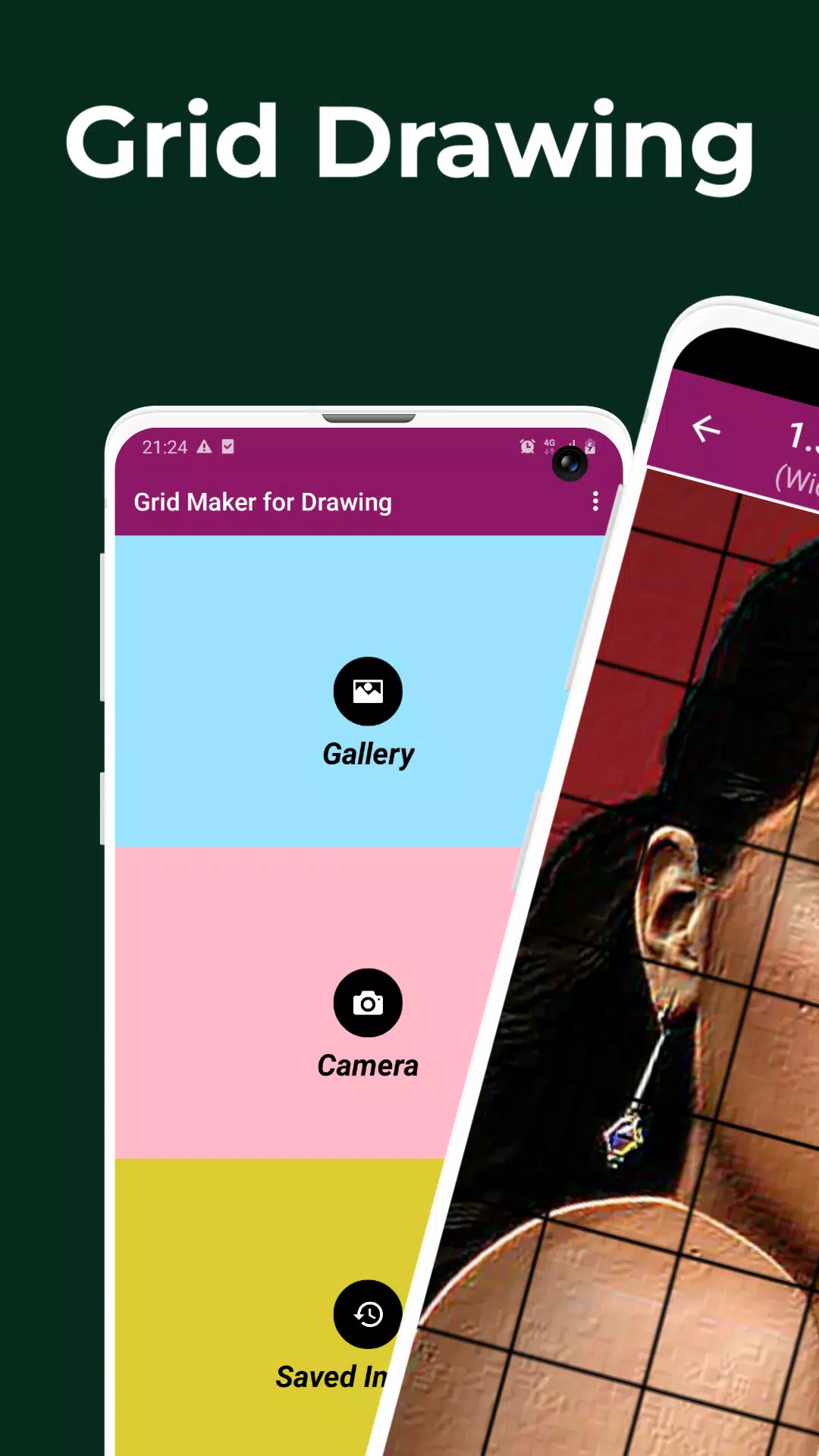
 Apps like Grid Drawing