One of the standout features of Fortnite is the extensive character customization, which allows each player to showcase their unique style. In this comprehensive guide, we'll explore how to modify your character's appearance, including selecting skins, changing gender, and using various cosmetic items.
 Image: x.com
Table of Contents
- Understanding the Character System
- How to Change Your Character in Fortnite
- Changing Gender
- Acquiring New Items
- Footwear
- Using Other Cosmetic Items
Understanding the Character System
In Fortnite, the absence of rigid class or role divisions opens up a world of creativity through cosmetic items, specifically skins. These skins don't influence gameplay mechanics but serve as a way for players to express their individuality and stand out in the game. Fortnite's collaborations with popular franchises like Marvel and Star Wars bring unique character skins that add a layer of excitement and personalization to the game.
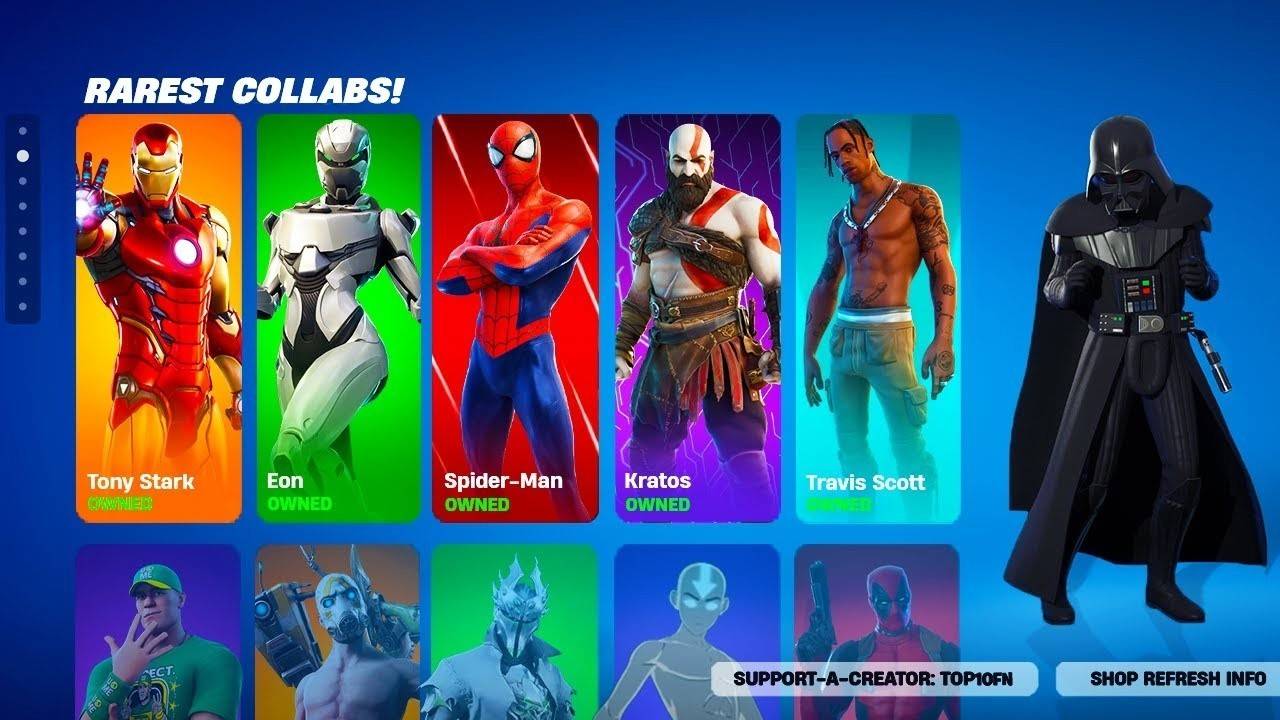 Image: youtube.com
How to Change Your Character in Fortnite
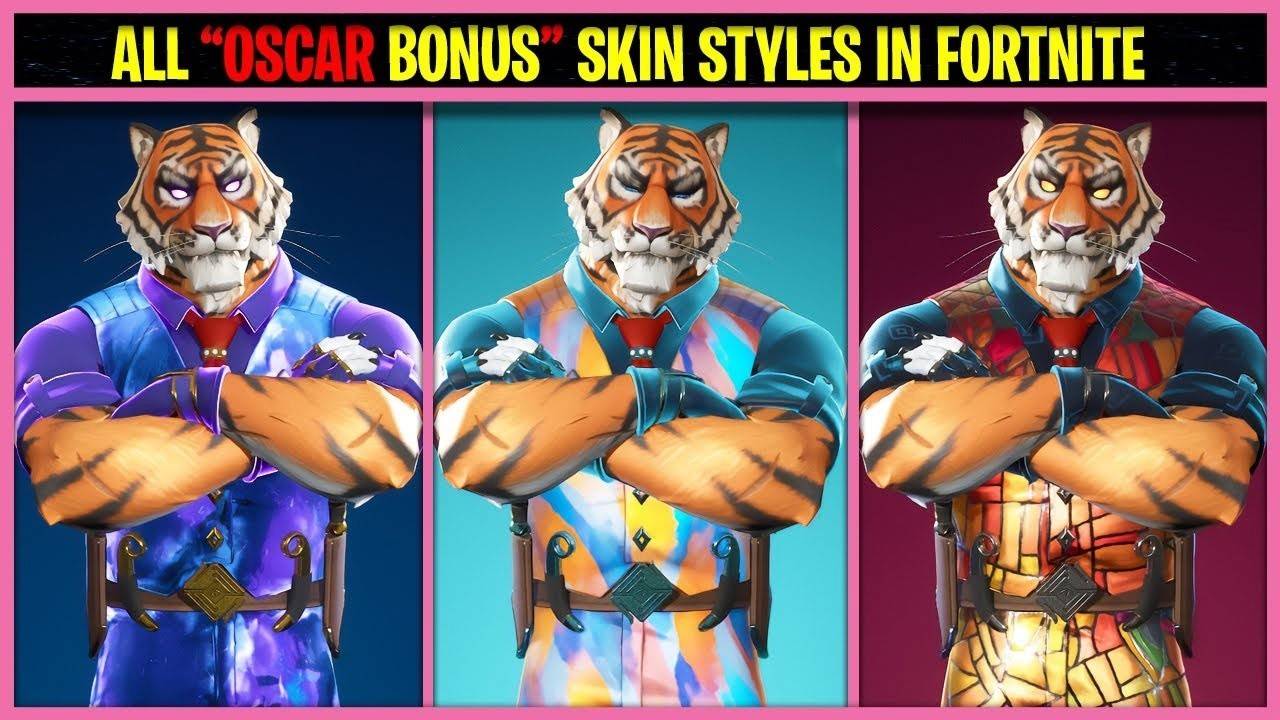 Image: youtube.com
To transform your character's look in Fortnite, follow these straightforward steps:
- Open the "Locker": Navigate to the "Locker" tab at the top of the screen. Here, you'll find all your cosmetic items, including skins, pickaxes, wraps, and more.
- Select a Skin: Within the "Locker" section, click on the first slot dedicated to skin selection. You'll see a list of all available skins; scroll through and choose your favorite.
- Choose a Style: Some skins offer multiple style variations, allowing you to switch colors or completely change the character's appearance. Pick the style that resonates with you.
- Apply the Selected Skin: After choosing your skin, hit the "Save and Exit" button or simply close the menu. Your character will now sport the new skin in-game.
If you haven't purchased any skins, Fortnite assigns a random default skin. However, an update in late 2024 from Epic Games introduced the ability to select your preferred default skin directly from the "Locker".
Changing Gender
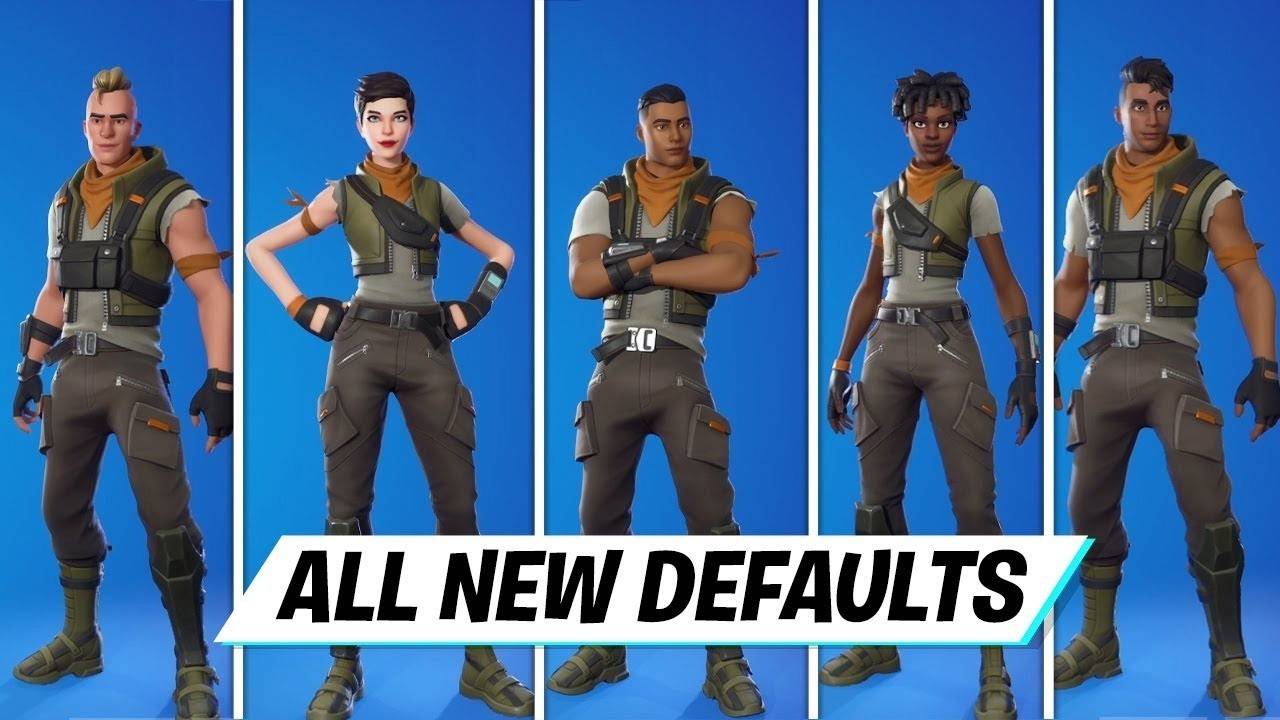 Image: youtube.com
In Fortnite, your character's gender is tied to the skin you select. Each skin comes with a fixed gender, which cannot be altered independently unless the skin itself offers style variations that include gender options. To play as a character of a specific gender, simply select a skin that matches your preference from the "Locker". If you don't own a suitable skin, you can purchase one using V-Bucks, Fortnite's in-game currency, from the daily-updated Item Shop.
Acquiring New Items
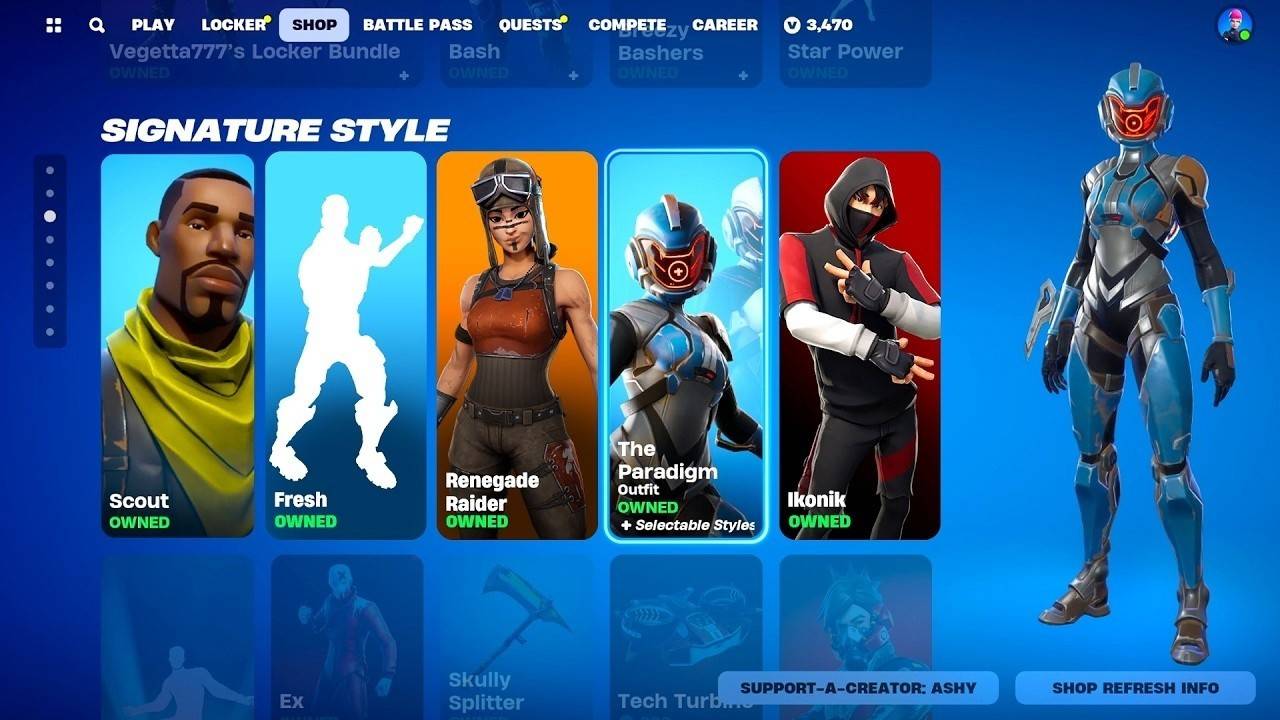 Image: youtube.com
To expand your collection of cosmetic items, consider these methods:
- Item Shop: Check the daily-updated Item Shop for a variety of skins and other cosmetic items, all purchasable with V-Bucks.
- Battle Pass: By investing in a Battle Pass, you unlock access to exclusive skins and rewards as you progress through the season.
- Events and Promotions: Participate in Epic Games' special events and promotions to earn unique skins through challenges or competitions.
Footwear
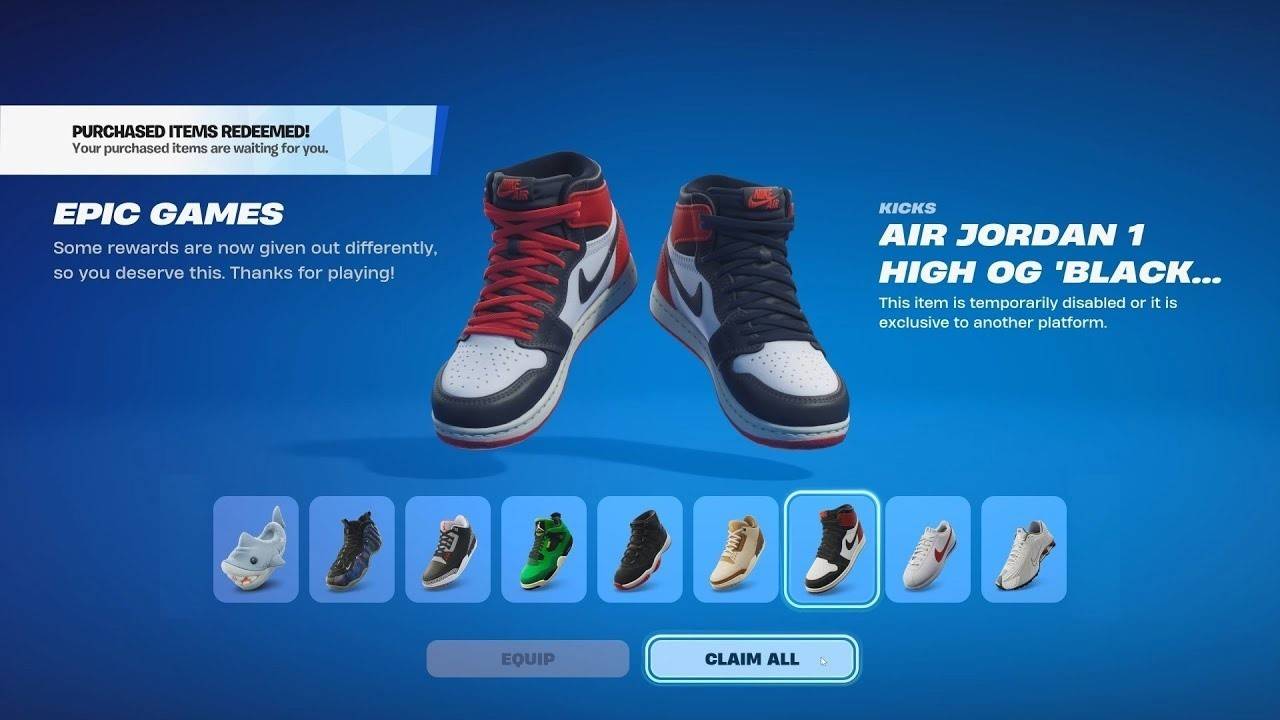 Image: youtube.com
Introduced in November 2024, "Kicks" add a new layer of customization to Fortnite. Players can now equip their characters with stylish footwear, ranging from real-world brands like Nike to unique Fortnite designs. To change your character's footwear, head to the "Locker" and select a compatible pair of shoes. Not all outfits support this feature, but Epic Games is working to broaden the selection. Always use the "Shoe Preview" function in the Item Shop to ensure compatibility with your outfits before making a purchase.
Using Other Cosmetic Items
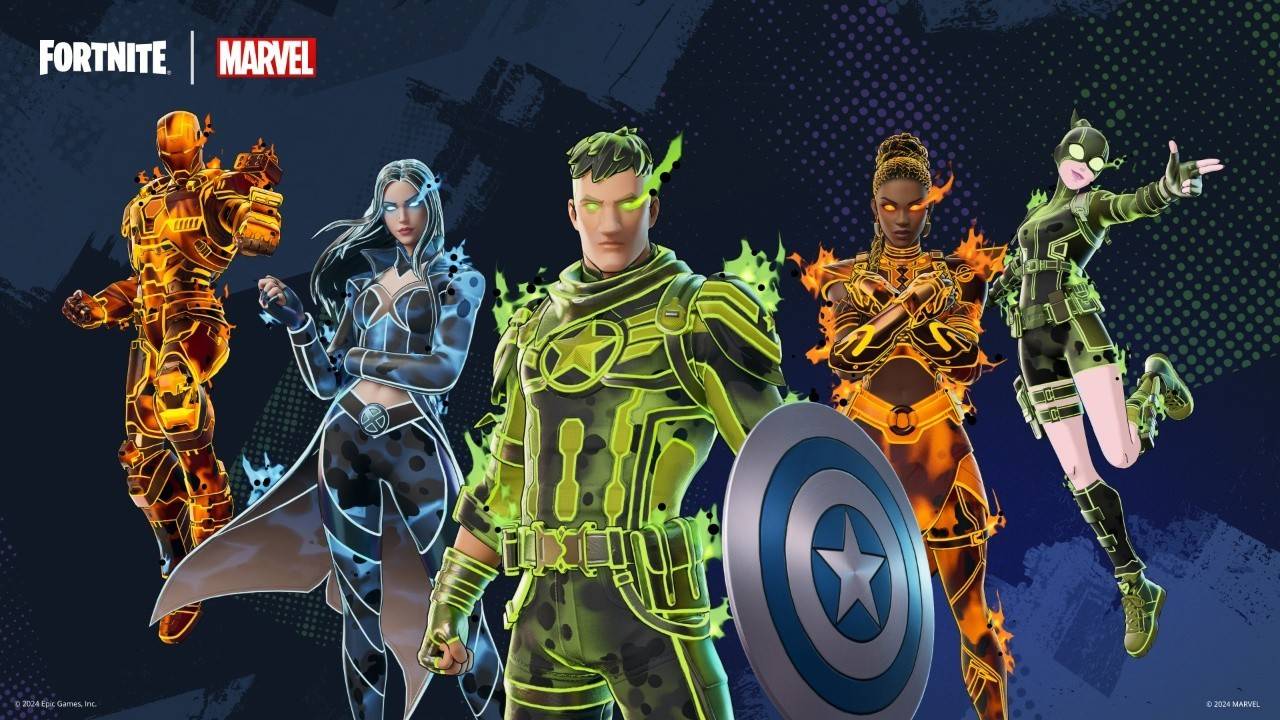 Image: fortnitenews.com
Beyond outfits, Fortnite offers a range of other cosmetic items to enhance your gaming experience:
- Pickaxes: These tools are used for resource gathering and melee combat and come in various designs and effects.
- Back Blings: These are decorative accessories that can be worn on your character's back, adding a touch of style or functionality.
- Contrails: Effects that enhance your character's appearance when gliding down from the Battle Bus.
All these items can be customized in the "Locker" section using a process similar to selecting skins.
Customization is a key element of Fortnite, enabling players to tailor their appearance to their liking and making the game more engaging. By following the steps and tips outlined in this guide, you can effortlessly modify your character's look and utilize all the available features to create a unique in-game persona.

 LATEST ARTICLES