Conquer Delta Force: Mastering Tactics and Strategy with BlueStacks
Delta Force isn't your average tactical shooter; it demands precision, strategic thinking, and seamless teamwork. Whether you're engaging in large-scale multiplayer battles or navigating intense extraction missions, success hinges on adaptable planning. The game's emphasis on unique operators, customizable gear, and challenging maps ensures every decision is critical.
This guide provides practical tips to elevate your skills and outmaneuver opponents. From operator mastery to optimized loadouts for specific game modes and leveraging BlueStacks' advantages, these strategies will provide a significant competitive edge.
Unleash Maximum Control with BlueStacks on PC
Playing Delta Force on PC with BlueStacks offers unparalleled benefits. Its fully customizable controls allow you to map actions to your keyboard and mouse, delivering unmatched precision and responsiveness that mobile screens simply can't match. Unlike the Steam version's fixed controls, BlueStacks empowers you to personalize your gameplay experience.
Beyond superior controls, BlueStacks enhances gameplay with improved graphics and lag-free performance. The larger screen enhances enemy visibility, and advanced features like macro recording streamline complex maneuvers. For serious Delta Force players seeking dominance, BlueStacks is the ultimate platform. Consult our PC setup guide for Delta Force to get started.
Master the Fundamentals: Start Simple
For Delta Force newcomers, the temptation to jump into advanced operators and high-tech gear is strong. Resist this urge and focus on building a solid foundation. Begin with operators possessing straightforward abilities, such as Stinger (renowned for healing) or Luna (whose reconnaissance tools are user-friendly and highly effective for team coordination). These operators allow you to master the basics without feeling overwhelmed.
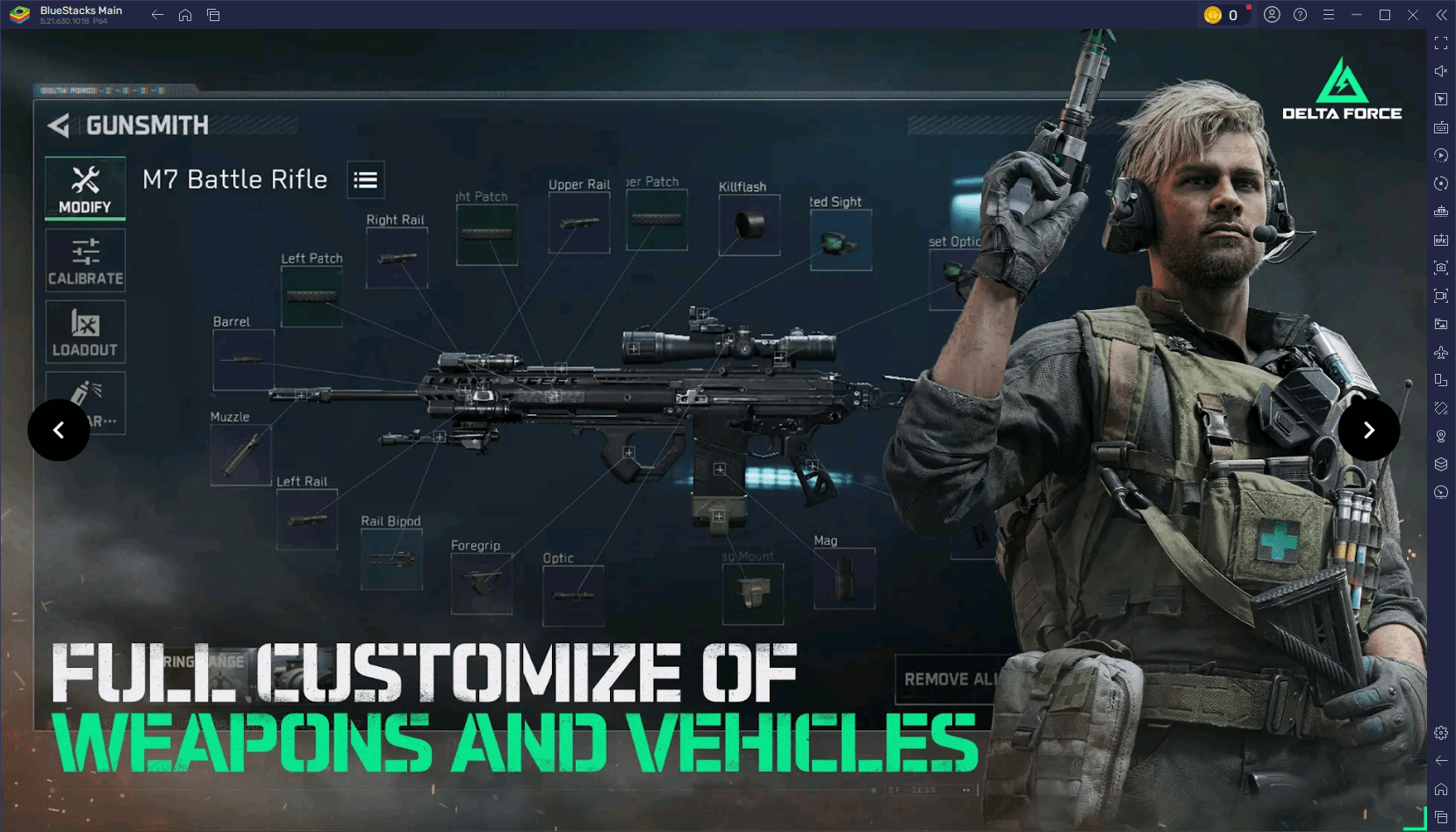
When playing with friends, establish clear roles. Designate team members for healing, scouting, and offensive actions. This coordination significantly boosts win rates and enhances the overall gaming experience.
Optimize Settings for Peak Performance
A smooth gaming experience directly impacts performance. On mobile devices, adjust graphics settings (reduce shadows, disable motion blur) to maximize FPS based on your device's capabilities. On PC with BlueStacks, push the boundaries by enabling high-resolution textures and customizing advanced graphics settings for optimal visuals without sacrificing performance.
Fine-tune controls to your preference. Adjust sensitivity settings for precise aiming and test your setup in practice matches to ensure comfort and responsiveness. This preparation ensures peak performance in every game.
Embrace Experimentation and Adaptability
Delta Force rewards adaptability. If a strategy fails, don't hesitate to change course. Experiment with different operators, loadouts, and map routes. Analyzing your opponents' tactics can also help refine your own strategies.
Experimentation keeps the game engaging and unveils new playstyles. Whether mastering vehicles, employing sniper builds, or developing innovative team strategies, continuous experimentation leads to versatility and effectiveness.
Delta Force challenges players with tactical depth and the need for quick adaptation, making each match a thrilling test of skill and strategy. This guide equips you to conquer any mode, map, or opponent. For the ultimate Delta Force experience, play on PC with BlueStacks to unlock superior controls and performance. Prepare, strategize, dominate, and win bigger with BlueStacks!

 LATEST ARTICLES