Quick Links
Monopoly GO's Juggle Jam is a captivating minigame hosted by Peg-E, Mr. Monopoly's helpful robot. While Peg-E also oversees Prize Drop and Sticker Drop, Juggle Jam's addictive gameplay and rewarding nature make it a standout. Mastering the sequence challenges is key to earning Carnival Tickets, which unlock fantastic prizes. The best part? The Carnival Store's rewards refresh, offering ever-changing opportunities. Let's explore how to maximize your Juggle Jam experience.
How to Discard Current Front Items in Juggle Jam
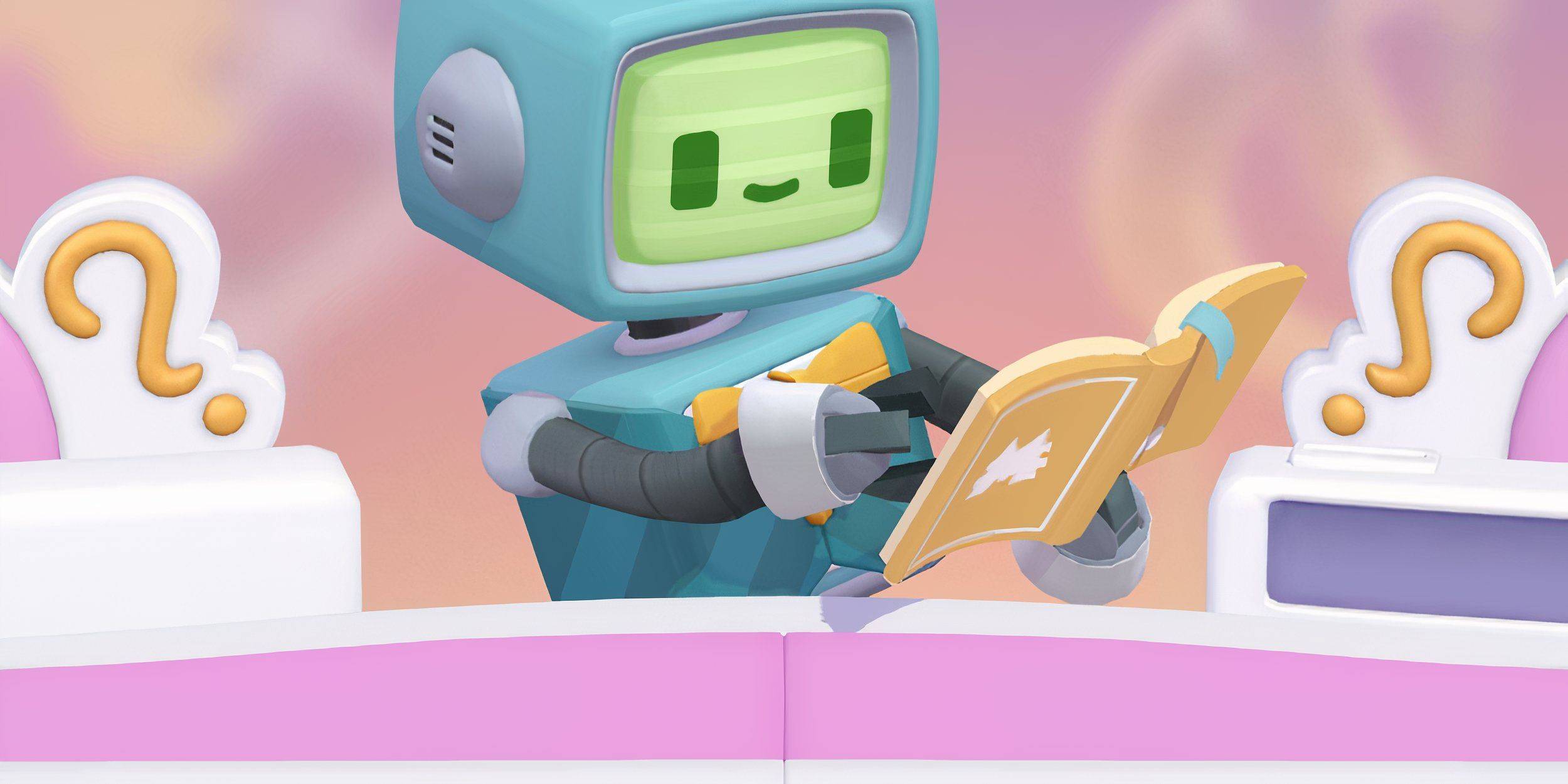 Each correct sequence in Juggle Jam earns you valuable Carnival Tickets. These tickets unlock exciting rewards in the randomized prize store, including sticker packs, dice rolls, cash, and flash boosters.
But what if the current rewards don't excite you? You can refresh the store! To do this, simply tap the double arrow icon in the top right corner of the screen, located just below your Carnival Ticket total. This "Shop Refresh" button replaces the current prizes with a new selection, typically at a cost of some Carnival Tickets.
Remember, the Prize Store's offerings are random. Refreshing provides a chance to discover more desirable prizes, like those lucrative vaults.
What To Buy First in Monopoly GO’s Juggle Jam?
While there's no universally "best" purchase, prioritizing dice rolls and vaults is generally recommended. Vaults consistently offer a mix of valuable items: dice rolls, sticker packs, flash boosters, and cash, making them a sound investment. Aim to purchase a vault whenever possible.
However, your strategy should adapt to your goals. If completing a specific sticker collection or acquiring a particular Flash Booster is paramount, prioritize those items over dice rolls and vaults. Ultimately, the optimal purchasing strategy depends on your individual playstyle and in-game objectives.

 LATEST ARTICLES