Now, you can elevate your gaming experience by playing *Pokémon TCG Pocket* on your Mac with BlueStacks Air, specifically designed for Apple Silicon Macs. Visit https://www.bluestacks.com/mac to get started.
*Pokémon TCG Pocket* offers a fresh take on the classic Pokémon Trading Card Game. Dive into a world where you can collect an extensive array of Pokémon cards, craft your unique decks, and engage in strategic battles against AI or fellow players. The game retains the thrill and complexity of the original while introducing innovative features to keep the gameplay exciting and engaging.
Tailor your deck to perfection by choosing the ideal mix of Pokémon, energy, and trainer cards that align with your strategy. Uncover new cards, including rare and potent ones, by opening booster packs. Make sure to log in daily to claim rewards that will enhance your collection and fortify your deck.
Installing Pokémon TCG Pocket on PC
-----------------------------------
- Navigate to the game page and click the “Play Pokémon TCG Pocket on PC“ button.
- Install and launch BlueStacks.
- Sign in to the Google Play Store and install the game.
- Start playing.
How to Install Pokémon TCG Pocket on Mac with BlueStacks Air
------------------------------------------------------------
- Download BlueStacks Air: Head to the official BlueStacks website. Click on the “Download BlueStacks Air” button to download the installer.
- Install BlueStacks Air: Open the downloaded .dmg file. Drag and drop the BlueStacks icon into your Applications folder.
- Launch and Sign-In: Open BlueStacks Air from the Launchpad or Applications folder. Sign in with your Google account to access the Play Store.
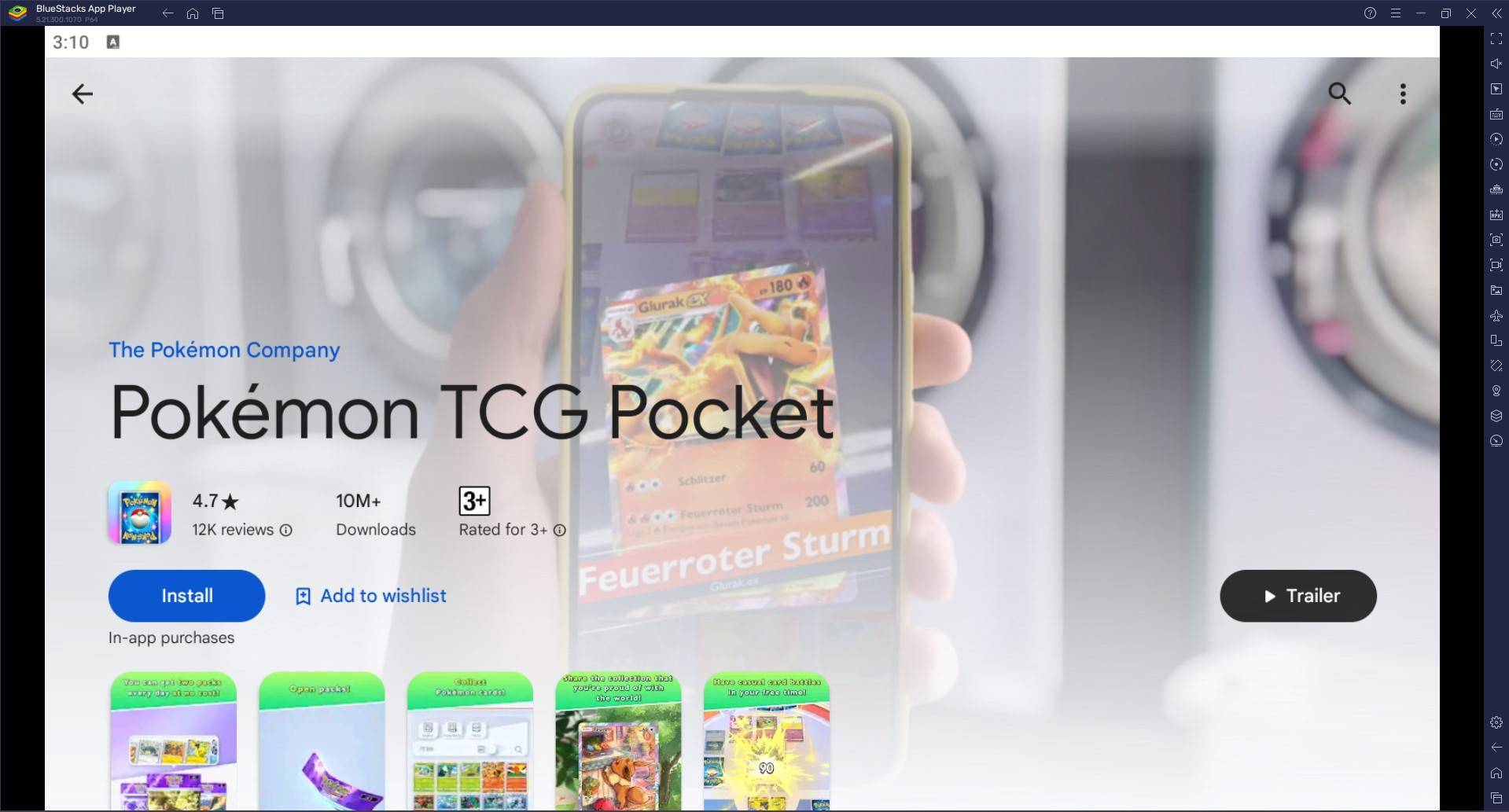
- Install Pokémon TCG Pocket: Search for Pokémon TCG Pocket in the Play Store and install it.
- Enjoy Playing! Launch the game and embark on your collector’s journey!
For Those Who Already Have BlueStacks Installed
-----------------------------------------------
- Launch BlueStacks on your PC or Mac.
- Search for Pokémon TCG Pocket using the homescreen search bar.
- Click on the relevant result.
- Install the game and start playing.
Minimum System Requirements
---------------------------
BlueStacks is compatible with a wide range of systems, with the following minimum requirements:
- OS: Microsoft Windows 7 and above, macOS 11 (Big Sur) or above.
- Processor: Intel, AMD Processor or Apple Silicon Processor.
- RAM: At least 4GB of RAM.
- Storage: 10GB Free Disk Space.
- Permissions: Administrator access on your PC or Mac.
- Graphics drivers: Up-to-date graphics drivers from Microsoft or the chipset vendor.
Enhance your collection by opening packs daily. The more cards you possess, the more strategic options you'll have for constructing powerful decks. Don't hesitate to experiment with various card combinations. Trying out different strategies can lead you to discover the ultimate deck. Pay close attention to your battles, learning from both victories and defeats. Adjust your strategy based on what proves most effective.
Achieve the ultimate gaming experience by playing *Pokémon TCG Pocket* on your PC, Mac, or laptop with BlueStacks.
For more details, check out *Pokémon TCG Pocket’s* page on the Google Play Store.

 LATEST ARTICLES