Application Description
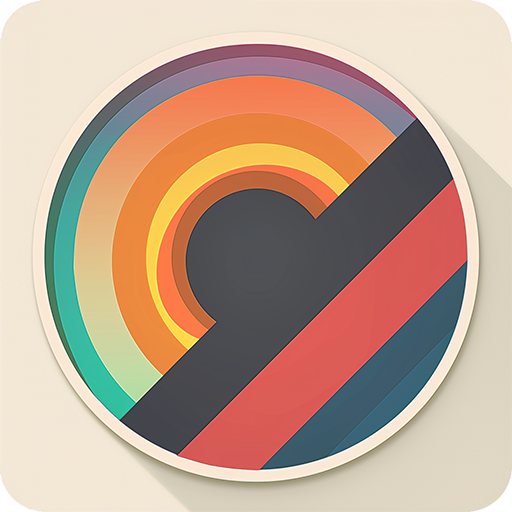
An app that makes painting fun and accessible for everyone.
It's a creative application where anyone can enjoy drawing and painting.
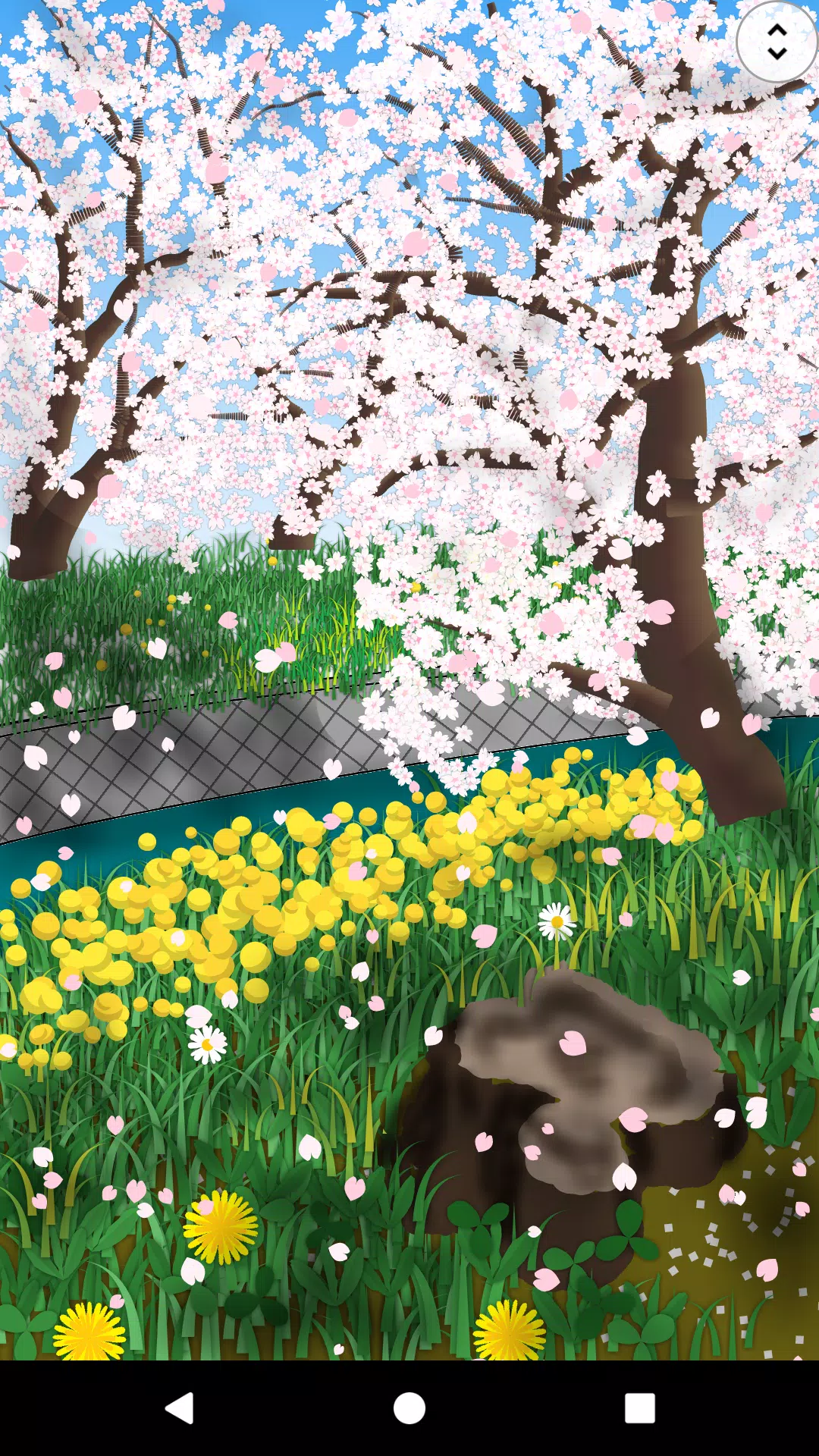
You can sketch using a variety of brushes, fill canvases with gradients and patterns, and add photos and shapes. The cursor function allows for detailed work without needing a stylus. Canvases are fully resizable, and finished artwork can be exported in PNG or JPEG format. Packed with features, this app delivers a complete painting experience even for those short on time. Unleash your creativity and paint your world with Paint Art.
Tools
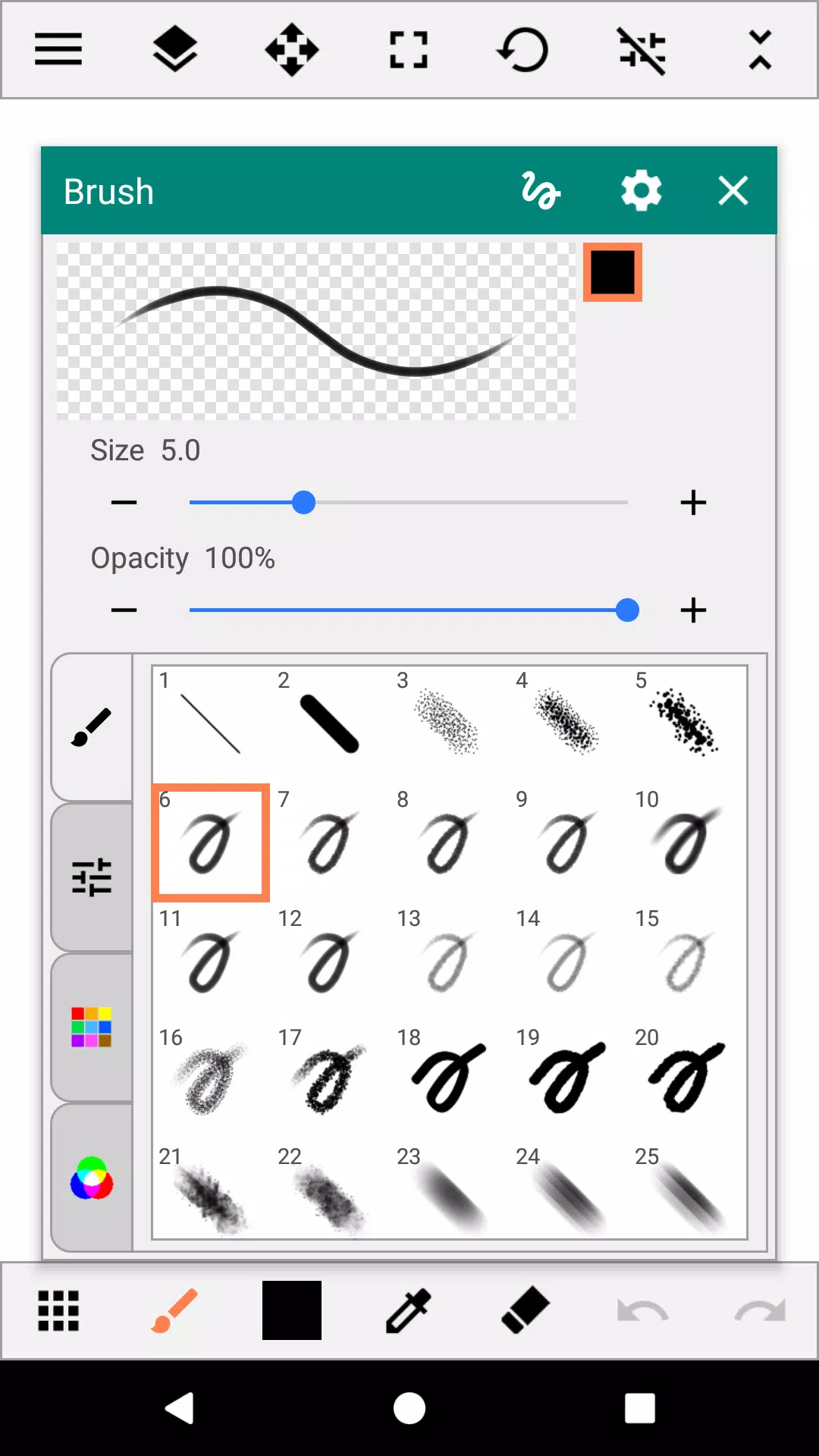
- Brush
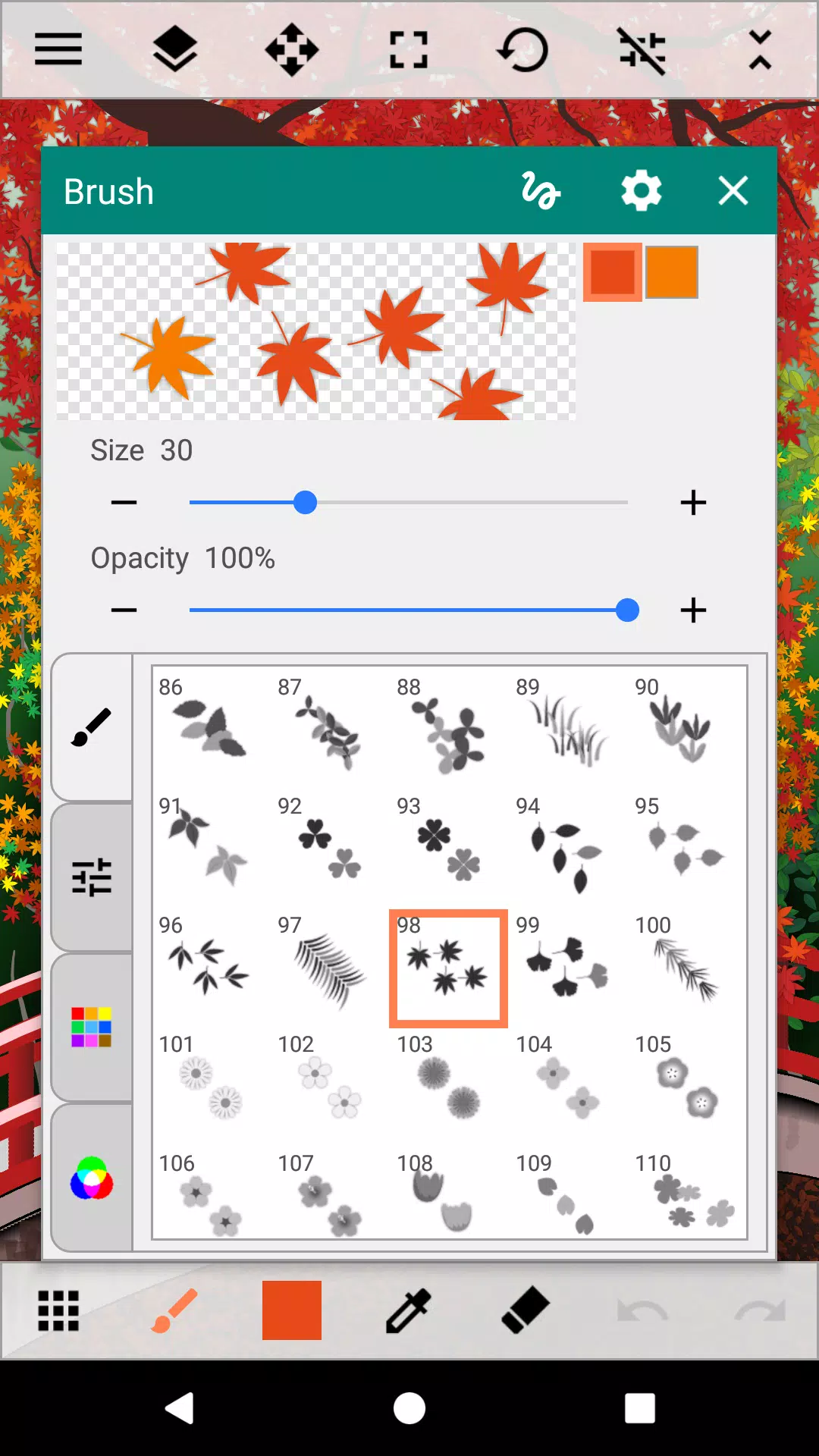
Beyond standard pens and sprays, choose from multi-color brushes like gradients, flowers, grass, and light effects.
- Fill
Apply gradients, lines, patterns, and random fills.
- Shape
Access a library of shapes including lines, squares, circles, stars, balloons, and flowers.
- Selection
Rectangle, circle, freeform, select all, and automatic selection.
- Text
- Insert images/photos
- Eraser
Color
- Palette & Color Arrangement
- Color Editing
Color picker, RGB sliders, and Eyedropper tool.
Canvas
- Move, zoom, and rotate.
Auxiliary Features
- Ruler
Straight line and circular ruler guides.
- Grid
Display vertical and horizontal grid lines.
- Cursor
Enable cursor for precise touch drawing.
- XY-Distance
Set convenient spacing intervals for placing figures.
Layers
- Up to 30 layers.
- Layer Settings
Adjust transparency, saturation, blend modes, protect transparency, and lock layers.
Others
- Add destination folders.
- Share images between apps.
- Pen Pressure Support
Includes brushes responsive to pen pressure, varying line thickness.
* Available only on smartphones with a compatible pressure sensor.
What's New in the Latest Version 3.3.1
Last updated on Sep 5, 2024
Minor bug fixes and improvements. Install or update to the newest version to check it out!
Art & Design


 Download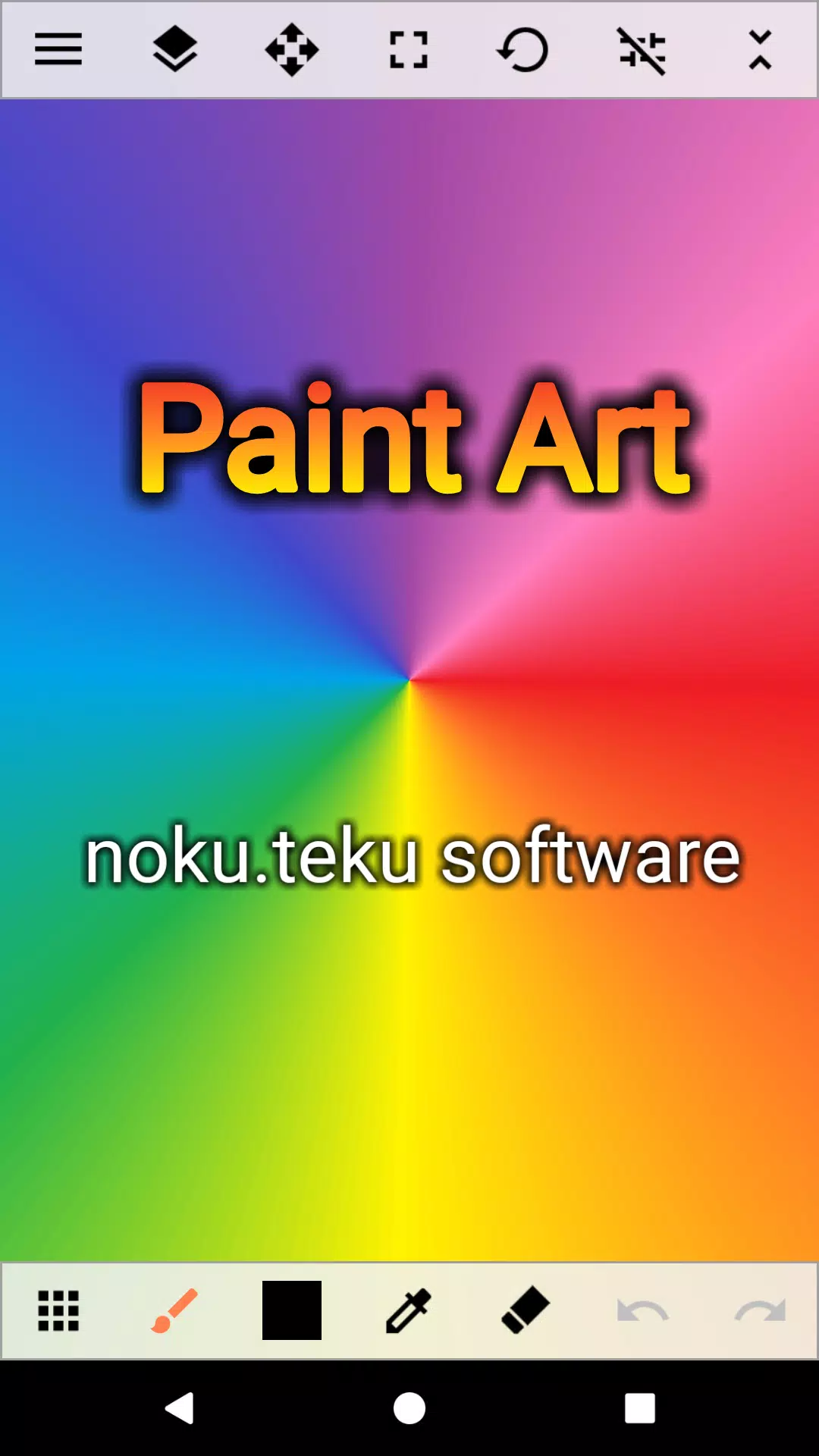
 Apps like Paint Art