Application Description
Mount your device on glass and begin tracing with the Draw Sketch & Trace App.
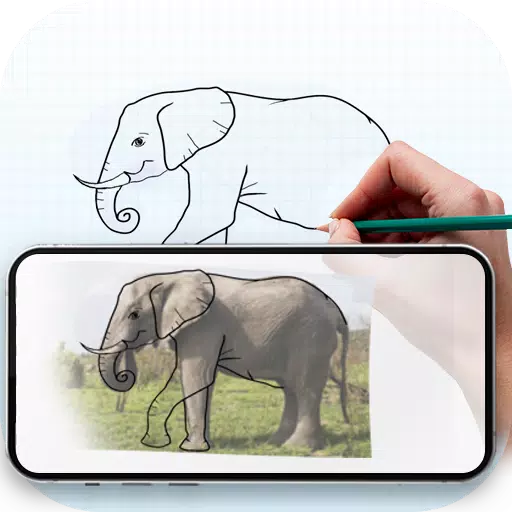
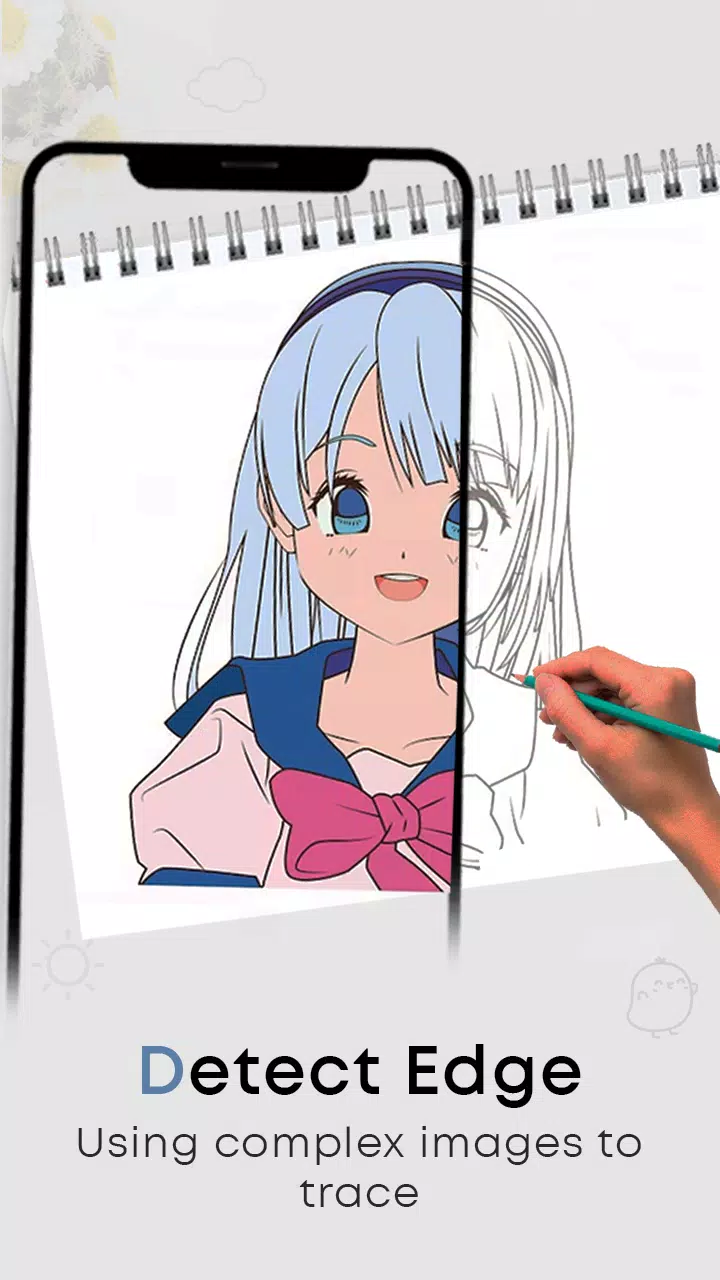
With the Draw Sketch & Trace App, you can learn sketching and drawing by placing a photo or image on your screen and tracing over it. The app provides a large collection of objects to easily learn tracing with a single tap. It's a dedicated tool that lets you start sketching any object by mounting your device on a glass surface or tripod. Adjust the image settings—such as brightness, contrast, and rotation—lock the screen, and begin tracing line by line.
Introducing Sketch AR and AR Drawing: Your ultimate creative partner. Unleash your artistic talent with the AR Sketching and AR Drawing App, where imagination merges with technology.
Fulfill your dream of becoming a sketch artist by using the Draw Sketch & Trace App. Our app is specially designed to help you easily learn sketching, drawing, and tracing using your smartphone. It includes a range of features such as customizable photo placement, gallery and camera import, trace color options, and adjustable brightness. It's the perfect tool for beginners to start learning sketching and tracing at their own pace.
How to start a sketch:
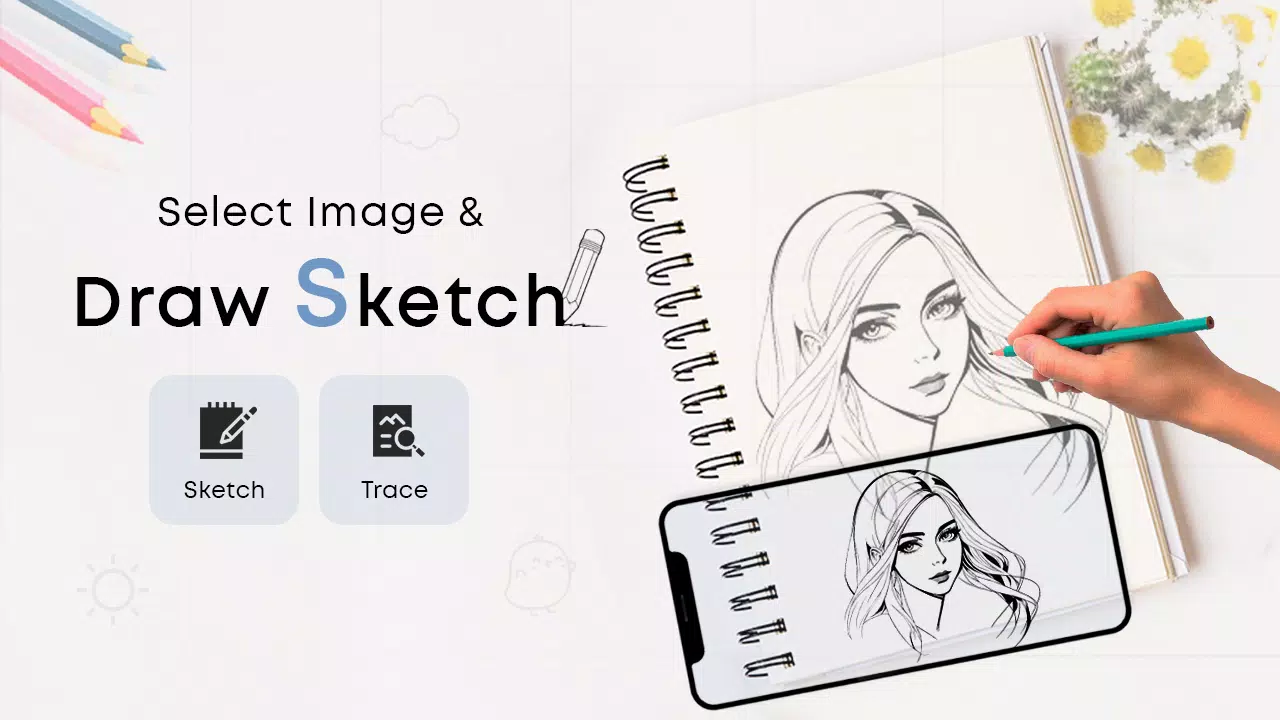
* Tap the sketch button and browse the object collection
* Select an object from the collection, or choose one from your gallery or camera
* Place your chosen object and resize it as needed
* Set the brightness to your preference
* Use the bitmap tool to remove the white background and view the object on a transparent screen
* Rotate the image or turn on the flashlight in low light
* Lock your device screen and begin sketching the image line by line
* Easily transfer the image to paper by simply tracing the lines
How to master tracing:
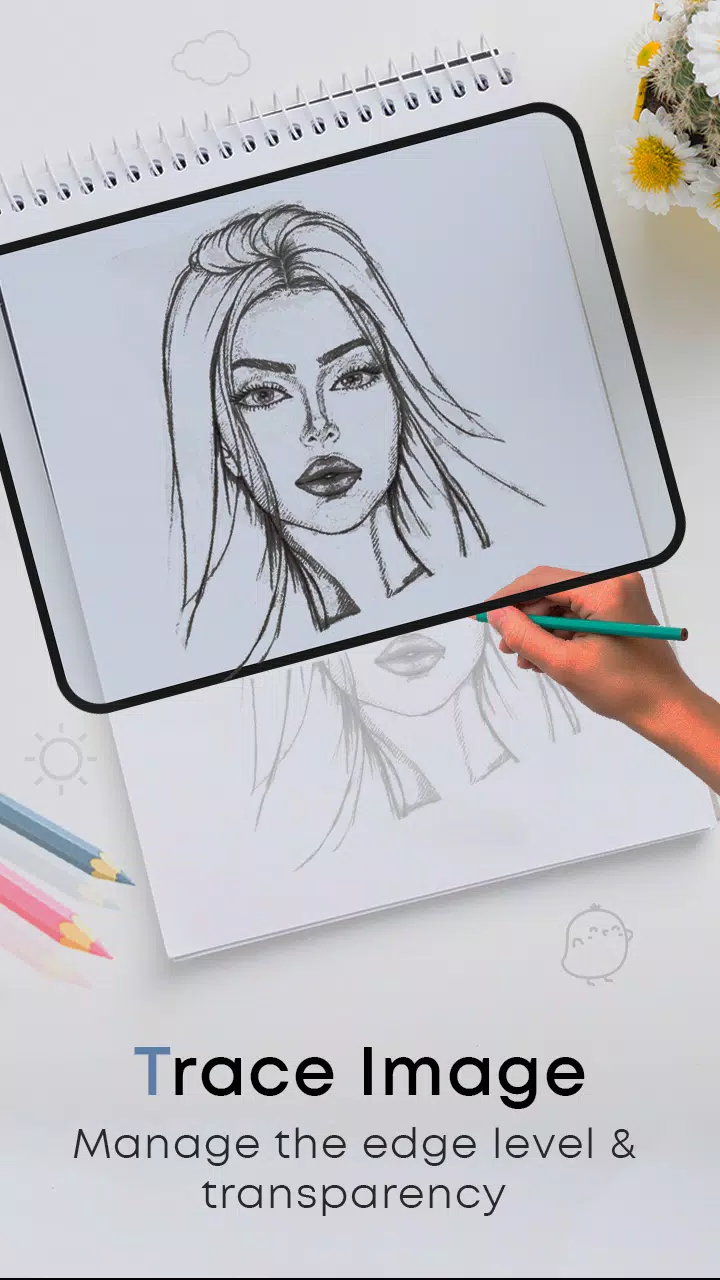
* Tap the trace button and choose an object from the various collections
* You can also import images from your camera or gallery
* Resize the object to fit your canvas
* Select a background color from the available options
* Rotate and lock the image for a clear tracing experience
* Adjust the object's brightness and screen brightness as needed
* A simple and effective method to learn tracing any image or object
FEATURES:
- Draw, Sketch, and Trace to enhance your drawing skills
- Learn sketch art step by step
- Wide variety of objects to trace, one line at a time
- Trace or sketch photos taken instantly with the camera or imported from your gallery
- Useful tools: screen lock, image rotation, brightness adjustment, and flashlight
- Bitmap tool to remove white backgrounds for easier sketching
- The ideal app to help you learn and practice art
- Attractive and user-friendly interface
What's New in the Latest Version 24.0
Last updated on Jan 23, 2024
Minor bug fixes and performance improvements. Install or update to the latest version to explore the enhancements!
Art & Design


 Download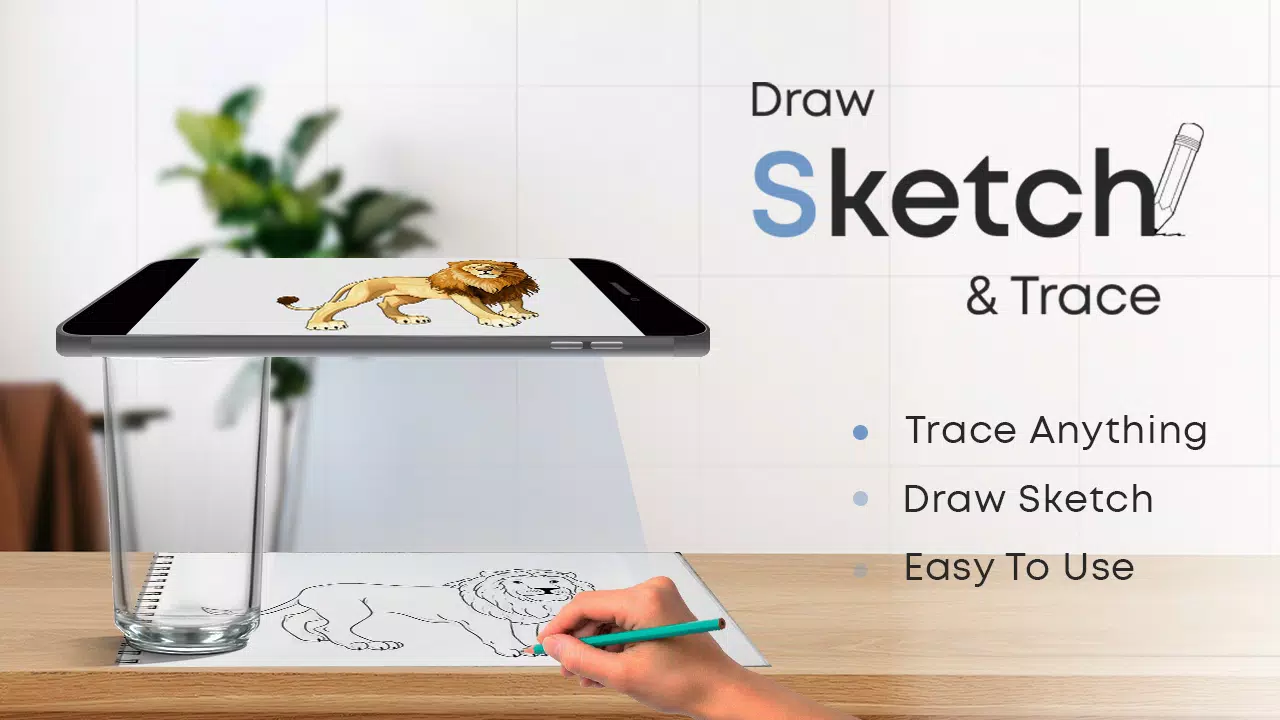
 Apps like Draw Sketch & Trace