Application Description
Create Your 2D Game Worlds with Tiled Map Editor
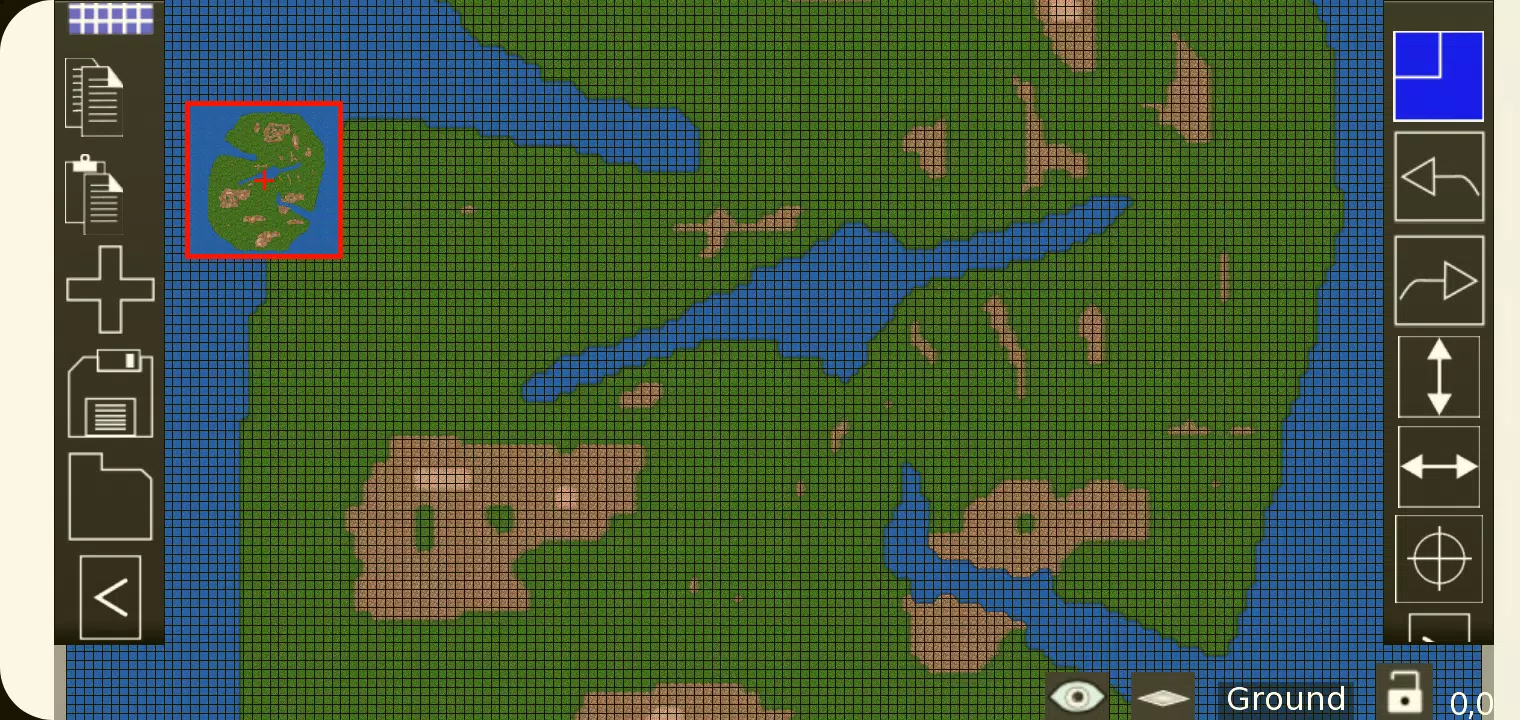
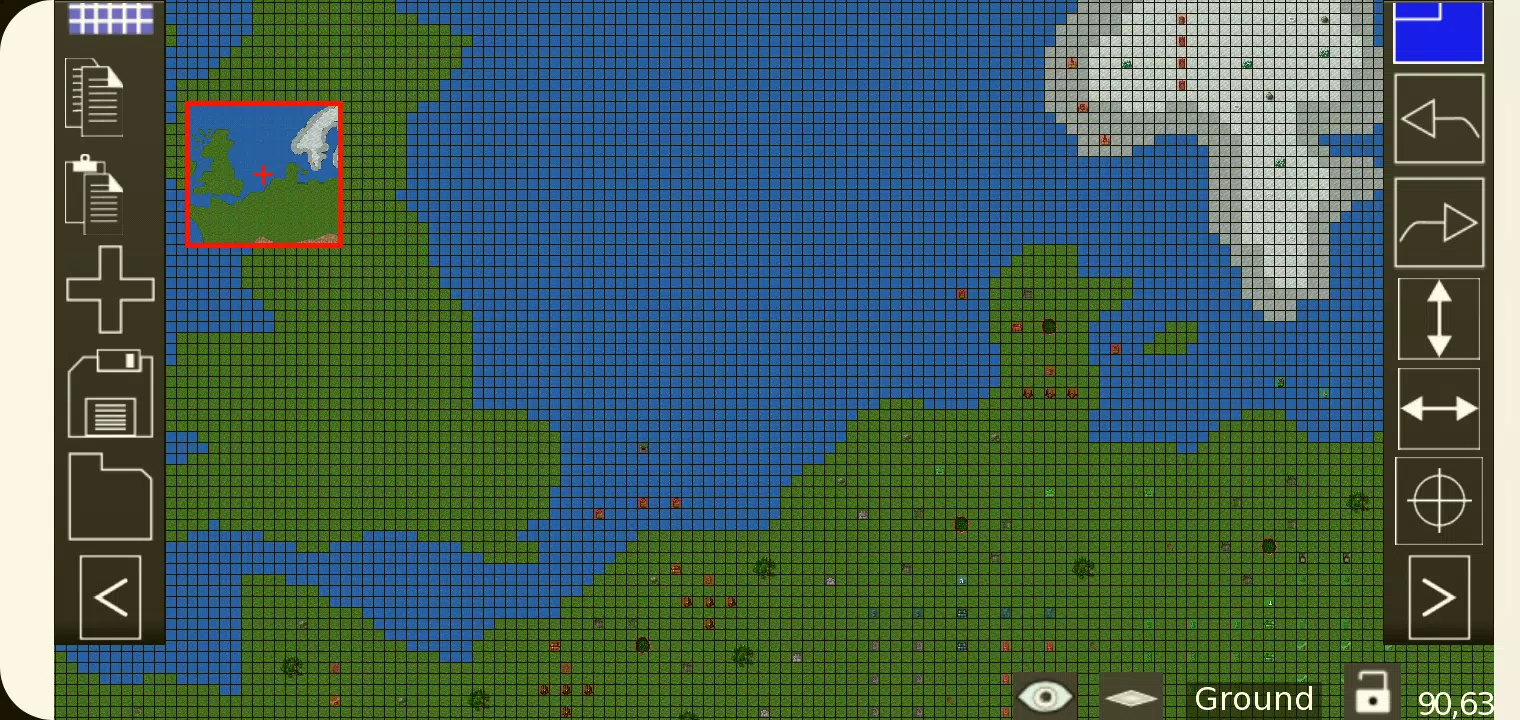
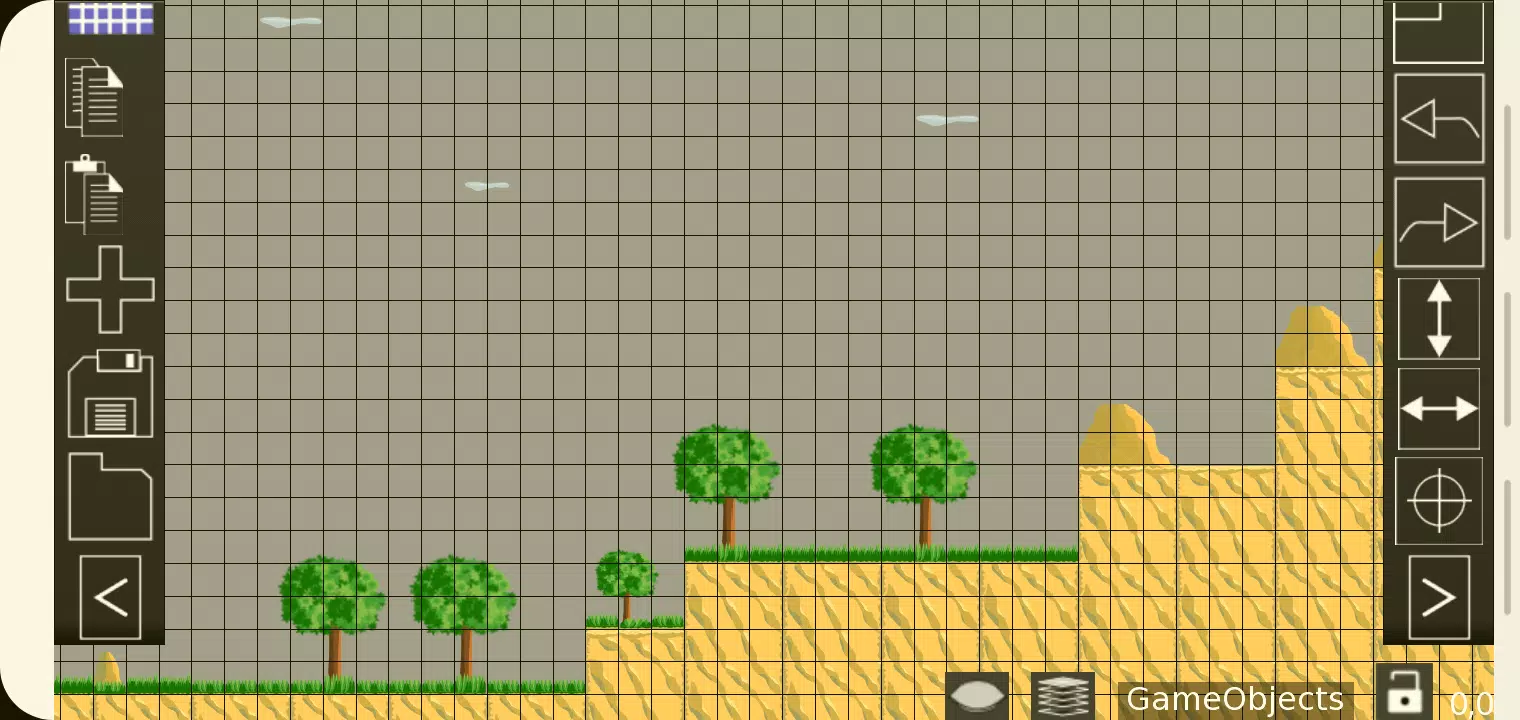
TMEditor is a free tool that simplifies the process of designing map layouts. It's versatile enough to handle abstract elements like collision areas, enemy spawn points, and power-up locations. All data is saved in the convenient, standardized .tmx format.
How to Create Maps with TMEditor
The core workflow for map creation in TMEditor follows these essential steps:
1. Select your map dimensions and base tile size.
2. Import tilesets from image files.
3. Arrange tilesets across your map.
4. Add custom objects to represent abstract elements.
4. Export your map as a TMX file.
5. Import and interpret the TMX file in your game engine.
Key Features
Orthogonal and Isometric map orientations
Support for multiple tilesets
Multiple object layers
Multi-layer editing: Eight layers for detailed map creation
Custom properties for maps, layers, and objects
Essential tools: Stamp, Rectangle, Copy and Paste
Tile flipping capability
Undo and redo functionality (currently for tile and object placement)
Supported objects: Rectangle, ellipse, point, polygon, polyline, text, image
Object placement on isometric maps
Background image support
Export options: XML, CSV, Base64, Base64-Gzip, Base64-Zlib, PNG, Replica Island (level.bin)
Latest Version 1.0.27 Updates
October 4, 2024
Resolved various bug issues.
Art & Design


 Download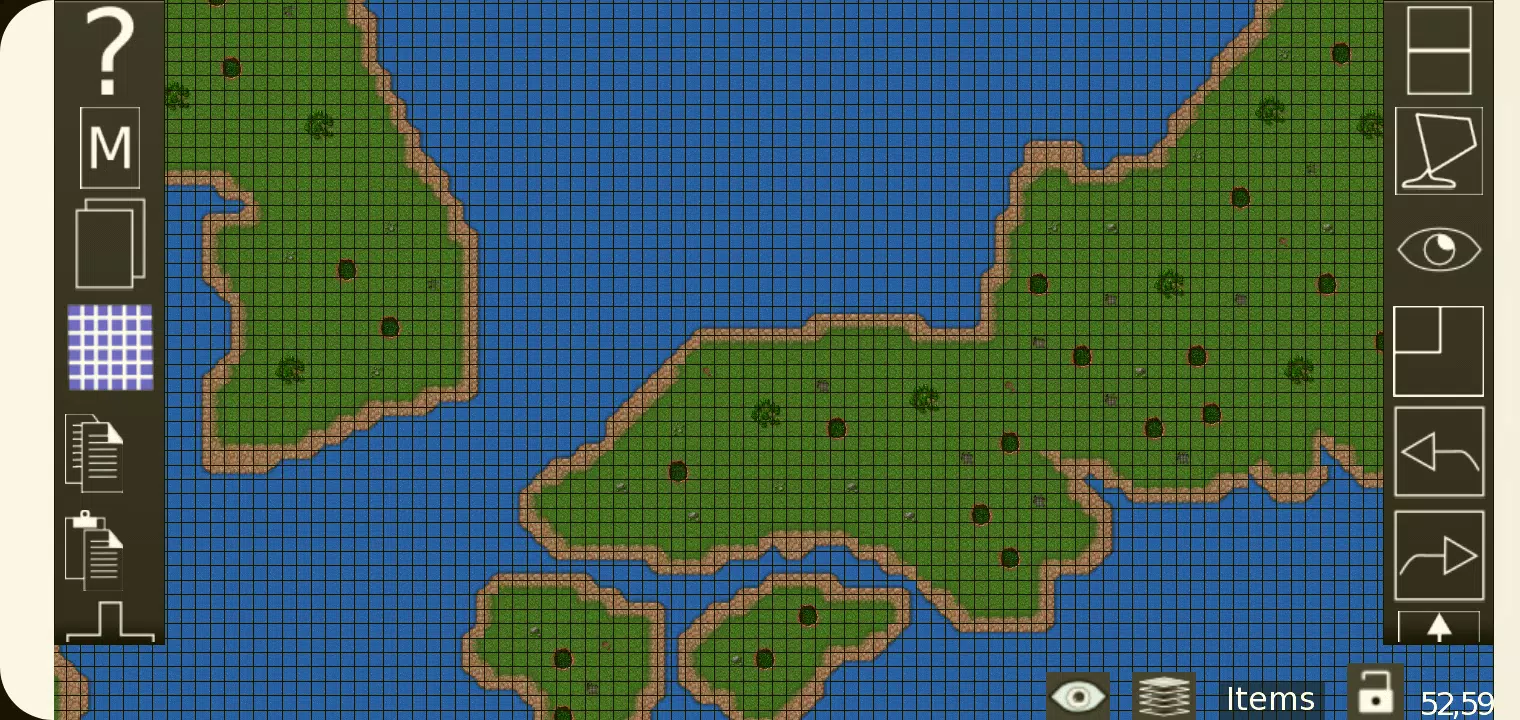
 Apps like TMEditor